
Walgreens Passport Photo: Quick Guide & Tips
Need a passport photo at Walgreens? Get same-day service at great prices. Before you visit, download Better Colors for Windows to check your photo meets all requirements. Perfect your image colors and lighting from home, then head to Walgreens ready to go.
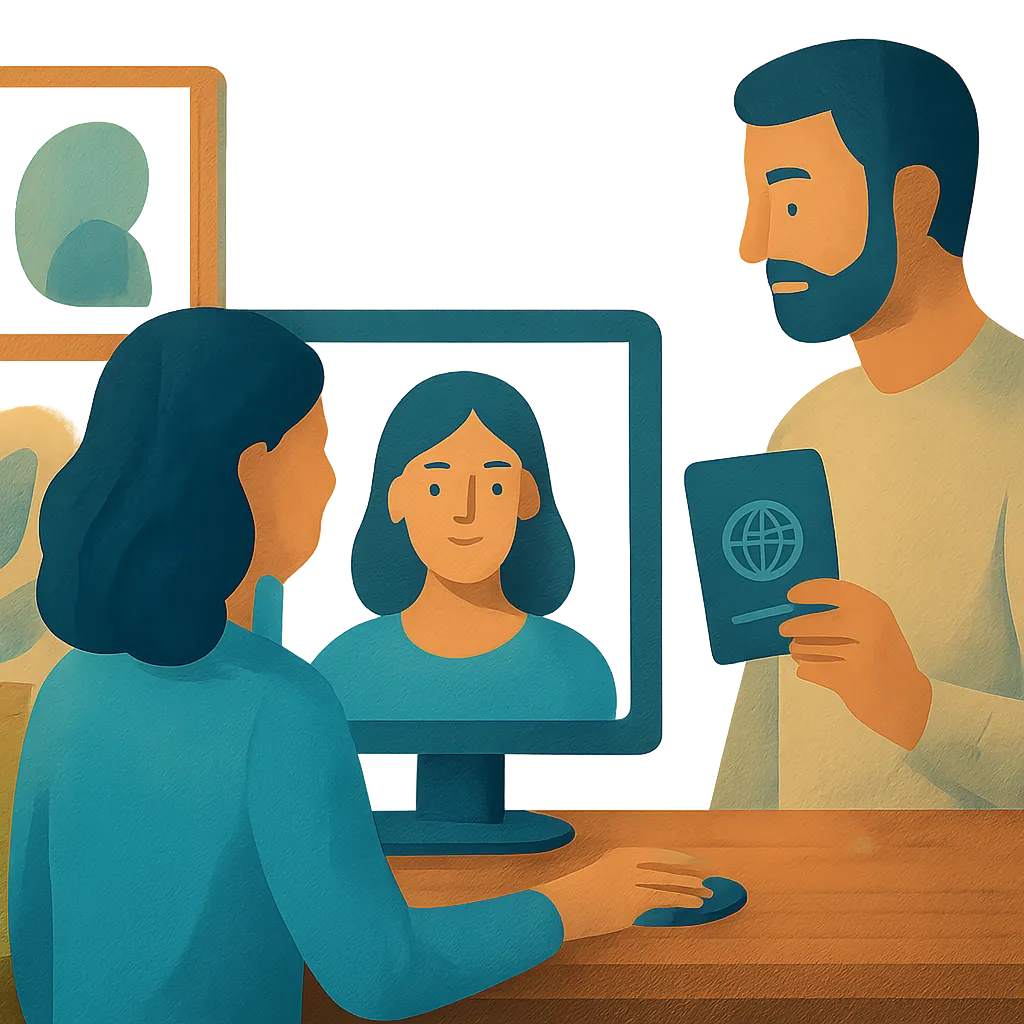
Walgreens offers a convenient solution for travelers who need official passport pictures quickly. The pharmacy chain operates thousands of photo centers across the United States, making it easy to find a location near you. Most stores provide same-day service, so you can walk in without an appointment and leave with compliant photos in minutes.
Why Choose Walgreens for Passport Photos
Walgreens photo specialists understand the strict requirements set by the U.S. Department of State. They use professional equipment and proper lighting to capture images that meet all official standards. The staff checks each photo for correct dimensions, background color, and facial positioning before printing. This attention to detail helps you avoid rejection when submitting your passport application.
The service costs around $16.99 for two printed photos, which is the standard quantity required for most applications. You receive high-quality prints on photo paper that meets government specifications. If you need additional copies for visas or other documents, you can request them at the same session.
What to Expect During Your Visit
When you arrive at the photo center, a trained associate will guide you through the process:
- Stand against a plain white background with neutral facial expression
- Remove glasses, hats, and headphones unless required for religious or medical reasons
- Face the camera directly with both eyes open and visible
The photographer positions you correctly and adjusts the lighting to eliminate shadows. They take several shots to ensure at least one meets all requirements. After reviewing the images, they print your photos on the spot. The entire process typically takes 10 to 15 minutes.
Preparing for Your Passport Photo Session
Wear solid-colored clothing that contrasts with the white background. Dark colors like navy or black work well. Avoid white or very light-colored shirts that might blend into the backdrop. Keep jewelry minimal and choose simple hairstyles that don't cover your face or create unusual shadows.
If you wear prescription glasses daily, check current regulations about whether you can keep them on. Rules change periodically, so verify the latest guidelines before your appointment. Contact lenses are always acceptable, but make sure your eyes appear natural without glare or red-eye effects.
Before visiting Walgreens, you might want to test your look using an ai photo enhancer to see how different lighting affects your appearance. Clean your face and ensure your hair is neat. Arrive well-rested so your eyes look clear and alert. These small steps help create a professional image that will represent you for the next ten years.
Digital Copies and Additional Services
Some Walgreens locations offer digital files of your passport photo for an extra fee. This option proves useful if you need to submit applications online or want backup copies. Ask the photo center staff about availability at your store. Keep in mind that many online passport renewal systems require you to upload photos in specific formats like JPEG.
The photo center can also handle other identification pictures, including visa photos for international travel. Different countries have varying size and format requirements. Bring documentation showing the exact specifications needed, and the staff can adjust the camera settings accordingly.
Tips for Getting Perfect Results
Schedule your visit during off-peak hours, usually mid-morning on weekdays. Fewer customers means the staff can take more time to ensure your photos look their best. If you're not satisfied with the initial shots, politely ask to try again. Walgreens associates want you to leave happy with photos that meet your needs.
Check your printed photos carefully before leaving the store. Verify that the dimensions are correct, the background is uniformly white, and your face is clearly visible. If you notice any issues like red eyes or shadows, request a reprint immediately. Most problems can be fixed on the spot with a quick reshoot.
Parents bringing children should bring a helper to keep young ones calm and cooperative. Infants must be alone in the frame, which can be challenging. Some photo centers have special supports to help position babies safely. Call ahead to confirm your location has the right equipment for photographing very young children.
Enhancing Your Photos Before Printing
Many people worry their passport photo won't look flattering. While you can't dramatically alter your appearance, you can prepare by ensuring your skin looks clear and your expression appears friendly yet neutral. Natural light in the days before your photo helps reduce tired-looking skin.
After taking your photo at Walgreens, you might notice minor issues like slight underexposure or dull colors. While official photos must remain unaltered, having a tool to preview improvements helps you understand what works best for future pictures. Better Colors offers a simple way to test different looks with its AI-powered enhancement that automatically boosts contrast and color vibrancy - download it to experiment with your personal photos and learn what lighting conditions create the most appealing results.