
Watermark: Complete Guide to Digital Protection
Ready to protect your images and videos with watermarks? Learn how to add or remove them using the right tools and techniques. Better Colors for Windows helps you manage color profiles and watermarks while keeping your visual content sharp and professional.

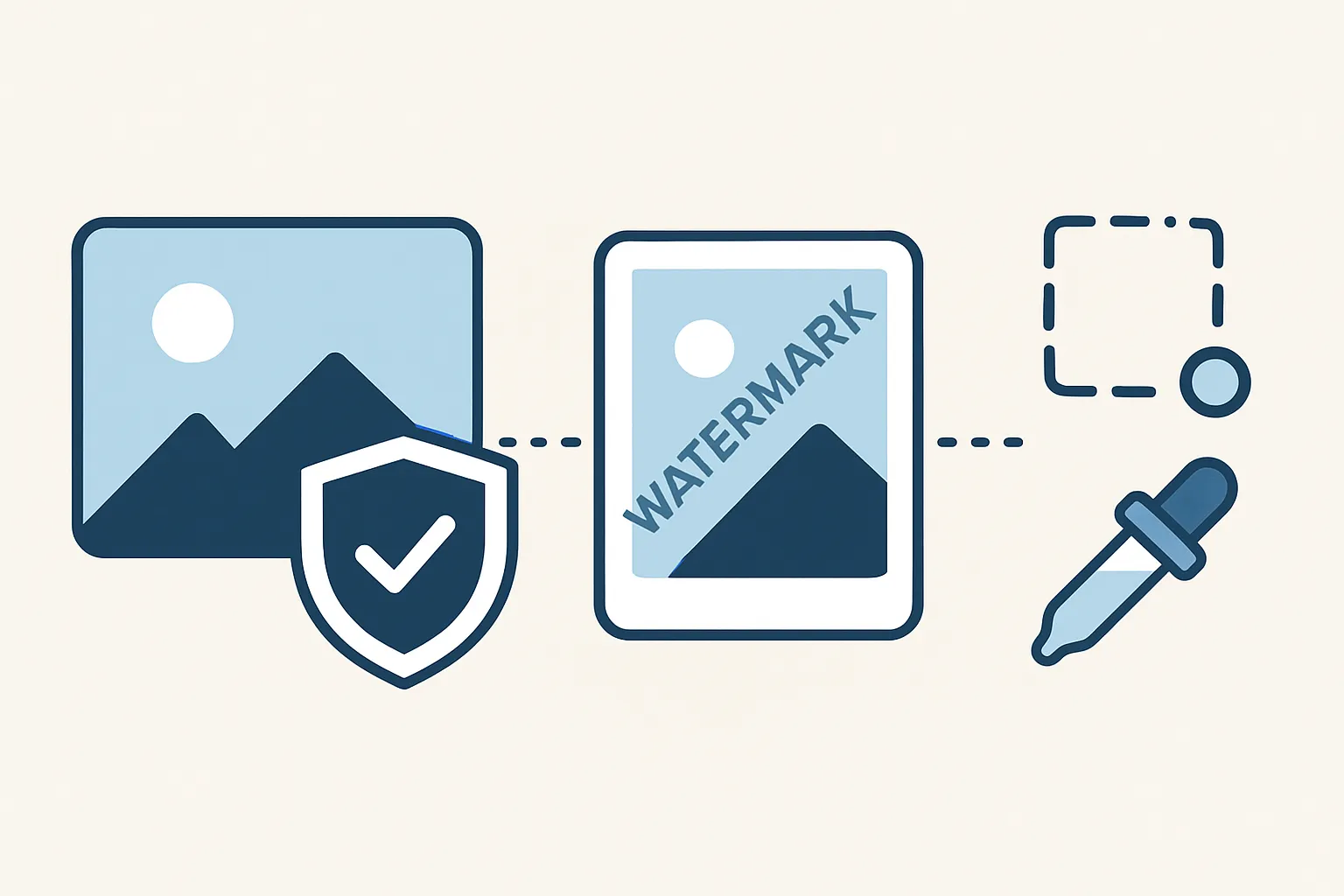
A watermark is a visible or invisible mark embedded into a digital file to identify its owner or source. Photographers, videographers, and content creators use watermarks to protect their work from unauthorized use. The mark can be a logo, text, pattern, or signature that sits over or within the content itself.
Why People Use Watermarks
Watermarks serve several purposes. They discourage theft by making it harder for someone to claim your work as their own. They also provide free advertising - when your image spreads online, your brand travels with it. Many stock photo websites apply watermarks to preview images, removing them only after purchase.
You see watermarks on everything from professional photographs to social media videos. They can be subtle and transparent or bold and attention-grabbing. The choice depends on your goals and audience.
Types of Watermarks
Two main categories exist: visible and invisible watermarks. Visible marks appear directly on the content, often in a corner or across the center. You can spot them immediately. Invisible watermarks hide data within the file itself. Special software can detect them, but the human eye cannot.
Common watermark formats include:
- Text-based marks with names, URLs, or copyright notices
- Logo overlays that display brand identity
- Pattern stamps that repeat across the entire image
How to Add a Watermark
Adding a watermark requires basic editing software. Many free programs let you layer text or images over your photos. You drag your logo onto the canvas, adjust the opacity, and position it where you want. Most photo editing applications offer templates and preset styles.
For videos, the process takes longer but follows the same principle. You import your footage, add a graphic layer, and export the final product. Some platforms apply watermarks automatically - TikTok and other social networks brand videos with their logos when users download content.
Batch processing tools help when you need to mark hundreds of files at once. You set your preferences once, and the software applies the same watermark to every item in your folder. This saves hours of repetitive work.
Removing Watermarks: Legal and Technical Aspects
Removing someone else's watermark without permission violates copyright law in most countries. Content creators place marks specifically to prevent unauthorized distribution. Stripping them away and using the content can result in legal action and financial penalties.
That said, tools exist for removing marks from your own content or files you have rights to use. Clone stamp tools, content-aware fill, and AI image enhancement algorithms can erase marks by analyzing surrounding pixels and filling gaps. The watermark removal online process works best on simple backgrounds with uniform colors or textures.
Some marks prove harder to eliminate than others. Transparent overlays on complex scenes require careful editing. Centered logos that cover important details force you to reconstruct missing portions, which takes skill and patience.
Choosing the Right Watermark Strategy
Your watermark should protect your work without ruining its appearance. A heavy logo across the center stops theft but also makes the image ugly and unusable. A tiny mark in the corner preserves beauty but offers weak protection.
Test different positions and opacity levels. Ask yourself: does this mark identify my work clearly enough? Will viewers find it annoying? Can someone crop it out easily? Balance protection with presentation.
For high-value work, consider registering your copyright separately. Watermarks help deter casual theft, but legal registration provides stronger protection if disputes arise. You can also compress videos with embedded metadata that survives social media uploads and proves ownership even when visible marks disappear.
Best Practices for Watermarking
Keep your watermark consistent across all content. Use the same font, size, and placement so people recognize your style instantly. Avoid cluttering the image with multiple marks or excessive text - one clear identifier works better than three competing logos.
Place the mark over an area that's hard to crop or clone out. Midway between the edges works well because removing it requires reconstructing significant portions of the image. Transparent marks blend better than solid ones, reducing distraction while maintaining visibility.
Update your watermark periodically to stay current. As your brand grows, your logo might change. Keeping everything aligned strengthens your identity and makes your portfolio look professional.
Tools and Software Options
Desktop applications like Photoshop and GIMP offer full control over watermark design and placement. Mobile apps provide quick solutions for on-the-go creators. Cloud-based platforms let you upload, mark, and download files from any device without installing software.
Some aI photo editors now automate watermark placement by analyzing composition and finding the least intrusive spot. They adjust opacity and color based on the underlying image, creating marks that protect without dominating.
After you finish editing and adding your marks, you might want to enhance photos to boost color and contrast before sharing them online. Better Colors offers a free one-click solution that works offline - just drop your image into the app and watch it improve in seconds without any sign-up or subscription required.