
AI Voice Changer: Transform Your Voice Instantly
Ready to change your voice for gaming, videos, or privacy? AI voice changers let you modify how you sound in real time. Want the perfect audio setup? Better Colors helps you adjust your Windows display settings for clearer visuals and better audio control panels.
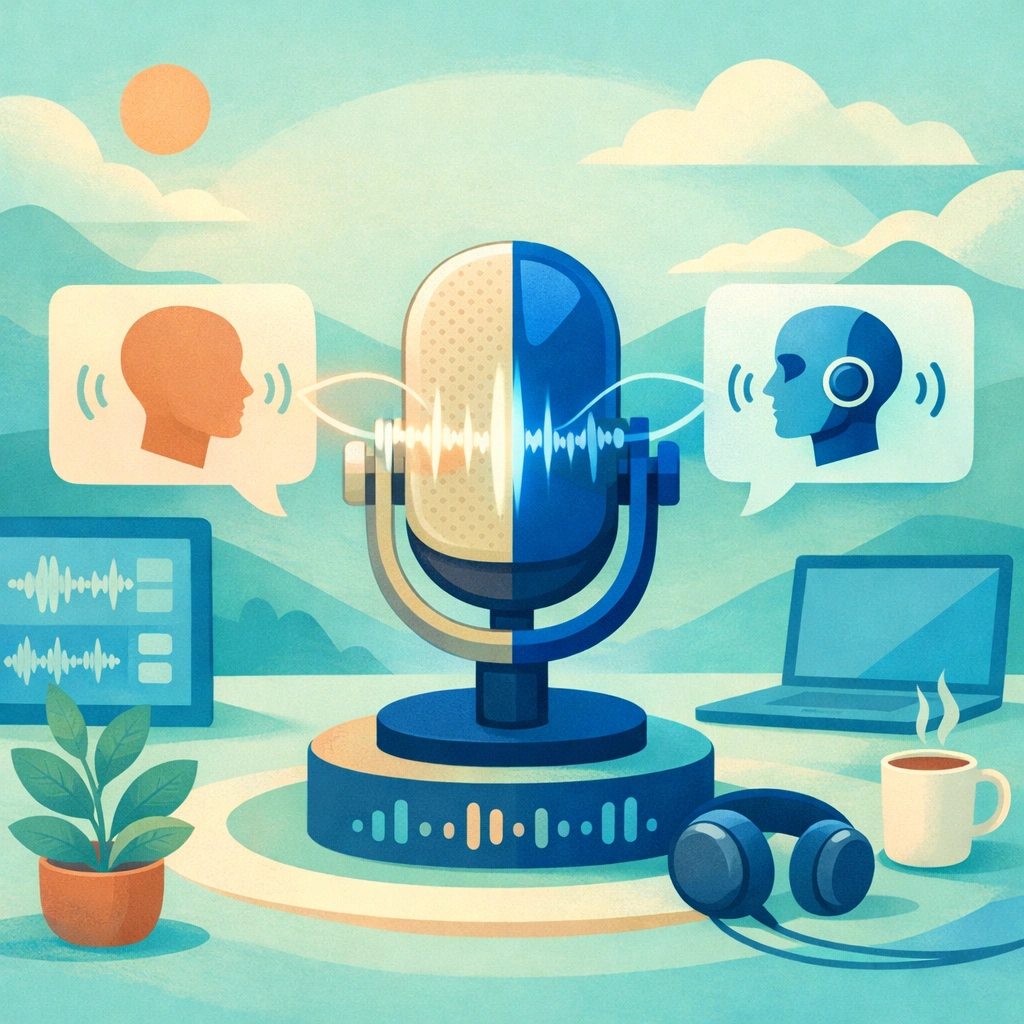
An AI voice changer uses artificial intelligence to modify how you sound. You can transform your voice in real time during calls, streams, or recordings. These tools analyze your speech patterns and apply filters that change pitch, tone, and character. The technology has become accessible to everyone, not just professionals.
How AI Voice Changers Work
The software captures your voice through a microphone and processes it within milliseconds. Machine learning algorithms identify key features like pitch and resonance. The system then applies modifications based on your selected settings. You hear the changed voice immediately, without noticeable delay. Most modern tools work with popular communication apps like Zoom, Skype, and gaming platforms. Some solutions also integrate with Discord music bots to add audio effects during live sessions.
Popular Uses for Voice Modification
Gamers use voice changers to adopt character personas during multiplayer sessions. Content creators add variety to their videos and podcasts by switching between different voices. Professionals maintain privacy during online meetings by masking their natural voice. Voice actors test different character options before recording final takes.
Key applications include:
- Gaming and streaming with character voices
- Content creation for videos and podcasts
- Privacy protection during online communication
Choosing the Right Voice Changer
Look for software that offers low latency to avoid audio lag during conversations. Check compatibility with your operating system and preferred applications. The best tools provide a range of voice presets plus custom adjustment options. Some programs require installation, while others run directly in your browser. Many platforms now incorporate features similar to pika AI for generating unique voice profiles automatically.

Features That Matter Most
Real-time processing determines how natural your modified voice sounds during live interactions. A good library of presets saves time when you need quick voice changes. Background noise reduction keeps your audio clear even in noisy environments. The ability to save custom voice profiles lets you return to favorite settings instantly. Regular updates ensure compatibility with new apps and operating systems. Some advanced tools now offer capabilities comparable to aI Remaker technology for voice customization.
Getting Started with Voice Changing Software
Download the application from a trusted source and complete the installation. Grant microphone access when prompted by your system. Select your input device and test the audio levels before applying effects. Choose a voice preset or adjust individual parameters like pitch and formant. Open your communication app and set the voice changer as your microphone input. Many users discover that pairing voice effects with visual tools like krea AI creates more immersive digital experiences.
Technical Requirements and Performance
Most voice changers run smoothly on modern computers with at least 4GB of RAM. A decent processor ensures minimal delay between your speech and the modified output. USB microphones generally provide better quality than built-in laptop mics. Stable internet connection matters for cloud-based processing services. Windows and Mac systems both support major voice changing applications.
Privacy and Ethical Considerations
Always inform others when using voice modification in professional settings. Some platforms prohibit voice changers in their terms of service. Never use the technology to impersonate someone for fraudulent purposes. Respect local laws regarding voice recording and modification. Creative projects like girlfriendgpt demonstrate how voice technology can enhance user interaction when used transparently and responsibly.
If you're interested in enhancing your digital content beyond audio, download Better Colors - a free photo enhancement tool that improves your images with AI-powered algorithms in just seconds.