
AI Remaker: Transform Your Photos Automatically
Ready to transform your photos with AI? Automated editing tools help you enhance images quickly and easily. Better Colors for Windows brings powerful color correction right to your desktop. Download now and start creating stunning photos with advanced AI technology.
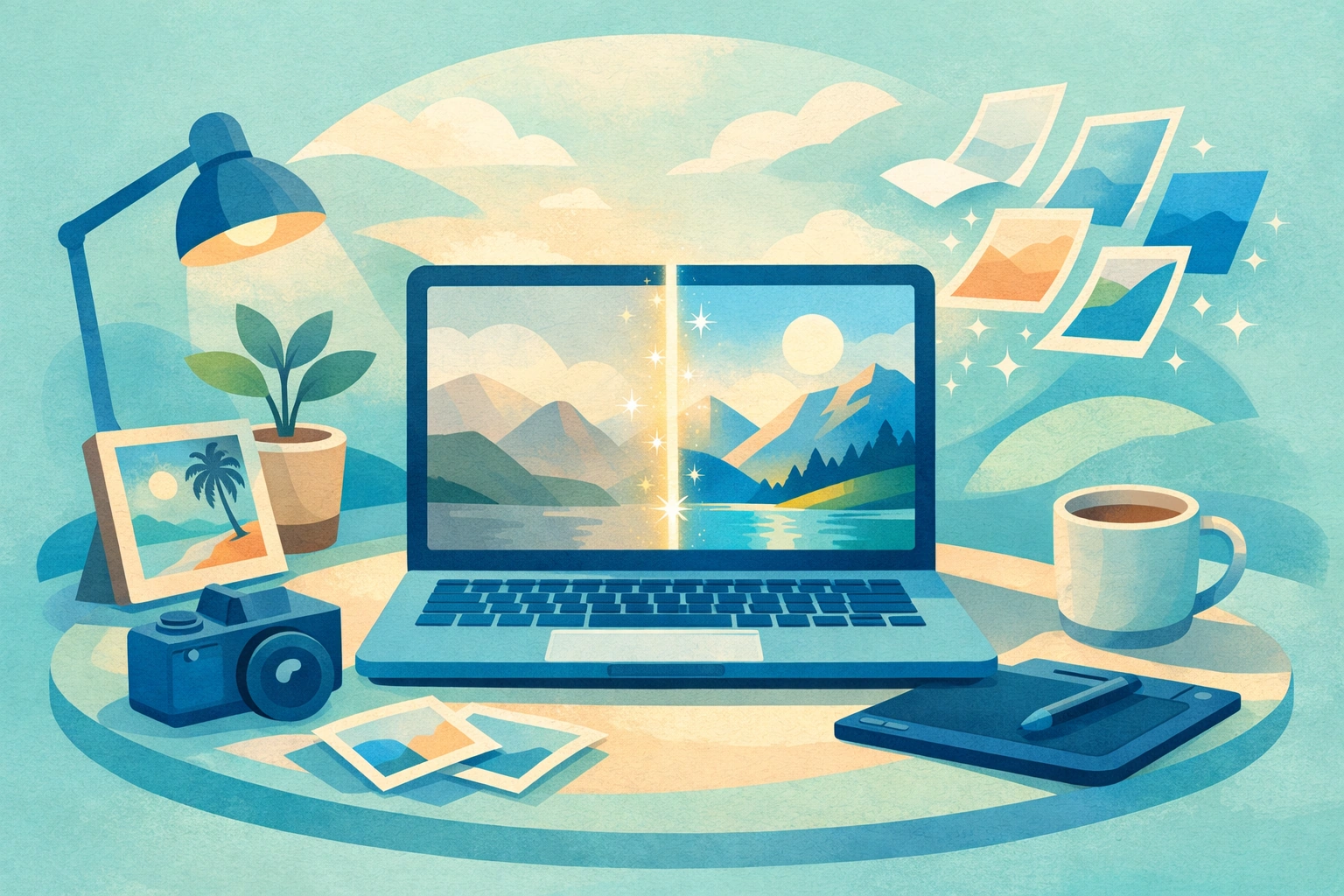
AI remaker technology changes how people edit and improve their images. These tools use machine learning to analyze photos and apply corrections without manual adjustments. You upload an image, and the software detects issues like poor lighting, dull colors, or blurry details. The system then applies fixes automatically.
How AI Photo Transformation Works
The process starts when you feed an image into the software. Algorithms scan every pixel and identify areas that need improvement. The system compares your photo against millions of reference images it learned from during training. It recognizes patterns like underexposed subjects, washed-out skies, or flat colors. Once analysis finishes, the tool applies corrections in seconds.
Many users appreciate this automation because it saves time. You don't need to understand curves, levels, or saturation sliders. The software handles technical decisions while you focus on creative choices. Some aI voice changer applications follow similar principles, adapting input data to produce improved output.
Key Benefits of Automated Image Enhancement
Quick improvements without expertise:
- Fix exposure and color balance instantly
- Restore old or damaged photographs
- Prepare images for social media or print
People who run small businesses benefit from faster workflows. You can process dozens of product photos in minutes instead of hours. Photographers use these tools as a starting point before fine-tuning specific details. Even casual users enjoy better-looking vacation pictures without learning complex software.
The technology works well for common problems. Dark photos become brighter. Flat colors gain depth. Blurry edges sharpen up. However, artistic effects still require human judgment. Hotpot AI platforms offer similar automated solutions for various creative tasks.
Choosing the Right Tool for Your Needs
Different tools offer different features. Some focus on portraits, smoothing skin and adjusting facial features. Others specialize in landscapes, boosting sky colors and sharpening distant details. You should match the tool to your most common tasks.
Look for software that processes images quickly. Waiting five minutes per photo frustrates users and slows down projects. Check what file formats the tool accepts. Most handle JPEG and PNG, but fewer support RAW files from professional cameras.
Privacy matters when you upload photos online. Some services keep copies of your images for analysis or training. Desktop applications that work without internet connections offer better security. Your photos never leave your computer. Discord music bot tools also vary in whether they require cloud access or run locally.
Best Practices for Automated Editing
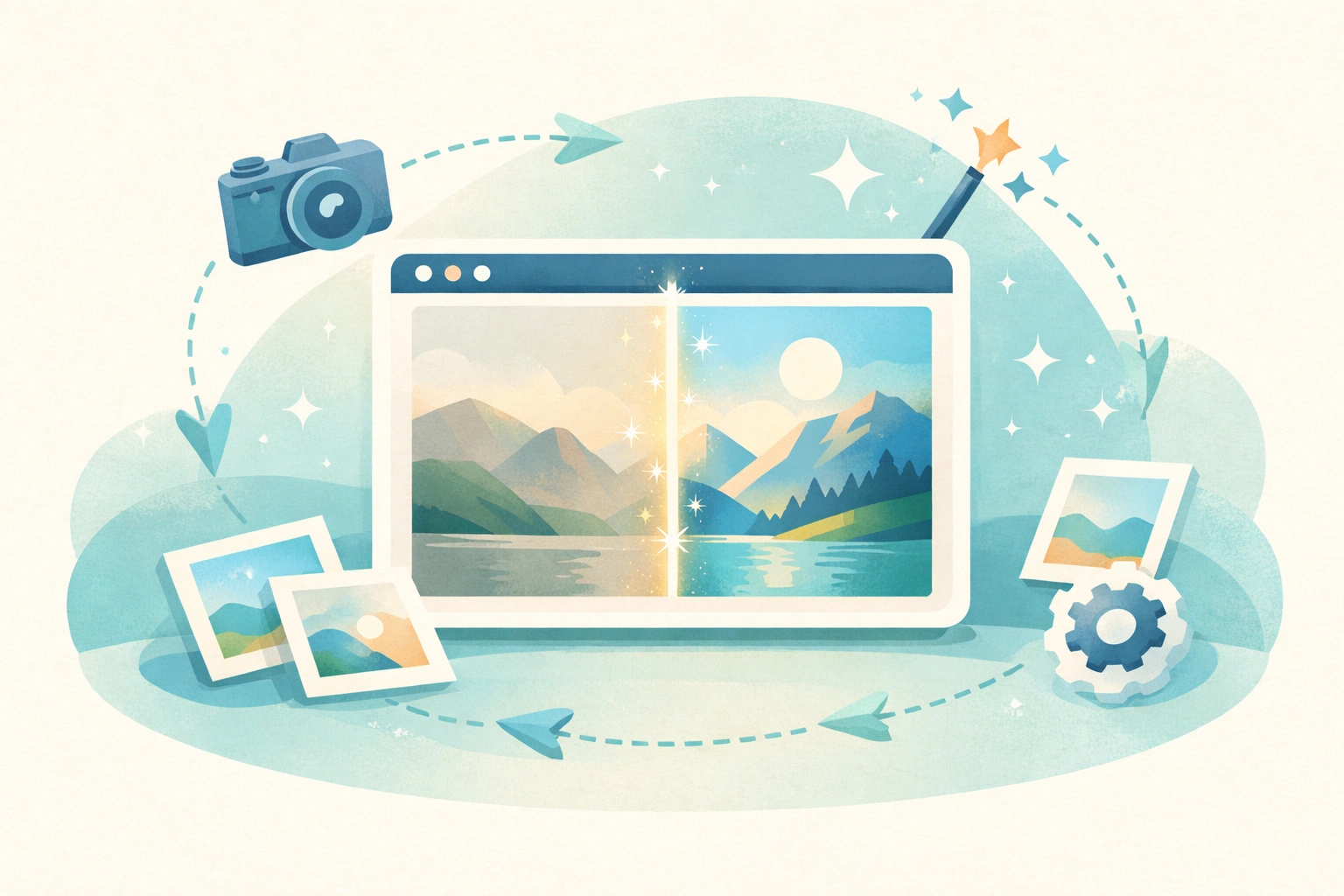
Start with high-quality source images when possible. AI cannot invent details that weren't captured in the original photo. A blurry, low-resolution image will improve slightly but won't match a sharp, well-lit original.
Save your edited photos under new filenames. Keep original files untouched so you can try different settings later. Some platforms that feature kawaii wallpaper collections follow this non-destructive workflow approach.
Review results before sharing. Automated tools occasionally make mistakes, especially with unusual lighting or complex scenes. A quick visual check catches problems before they reach your audience.
Combine automated tools with manual adjustments for best results. Use AI to handle routine corrections, then tweak specific areas yourself. This hybrid approach delivers professional quality faster than pure manual editing. Users exploring vizard AI functions often adopt similar combined workflows.
Get Started with Photo Enhancement Today
AI-powered image improvement democratizes professional editing. You no longer need years of experience or expensive software subscriptions to produce attractive photos. The technology continues improving as algorithms learn from more examples.
If you want a simple solution that works right away, download Better Colors - a free desktop app with AI-powered enhancement that boosts contrast and color vibrancy automatically.