
Kawaii Wallpaper: Cute Designs for Your Screen
Ready to add kawaii wallpapers to your devices? Find and apply the cutest designs for your phone and computer. Better Colors for Windows helps you manage custom color schemes that match your adorable new backgrounds perfectly. Download now and create the sweet setup you love!
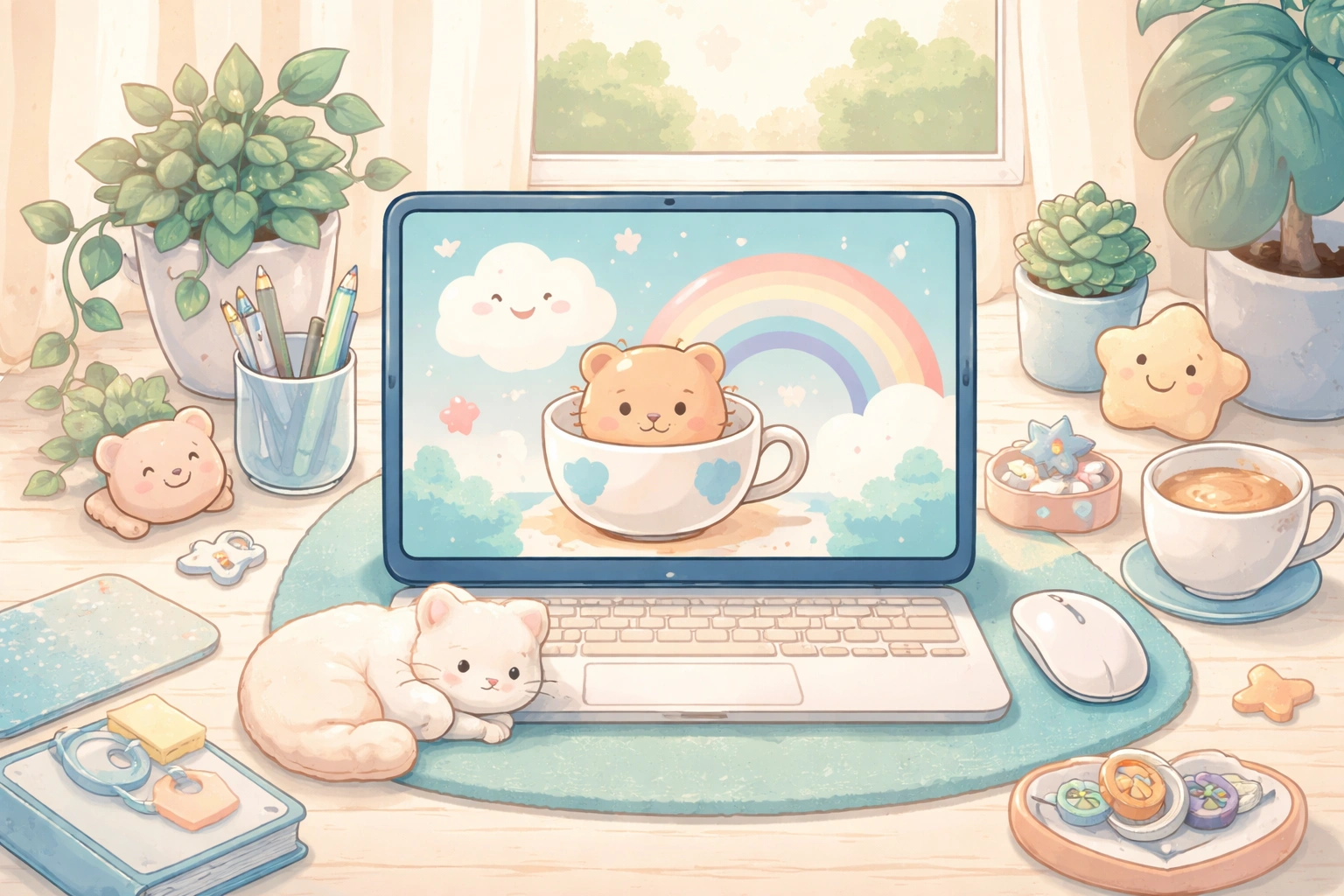
Kawaii culture brings a dose of cuteness to everyday life. These charming designs feature soft colors, smiling characters, and playful illustrations that make you smile each time you unlock your device. A cute background can brighten your mood and add personality to your digital space.
What Makes a Wallpaper Kawaii
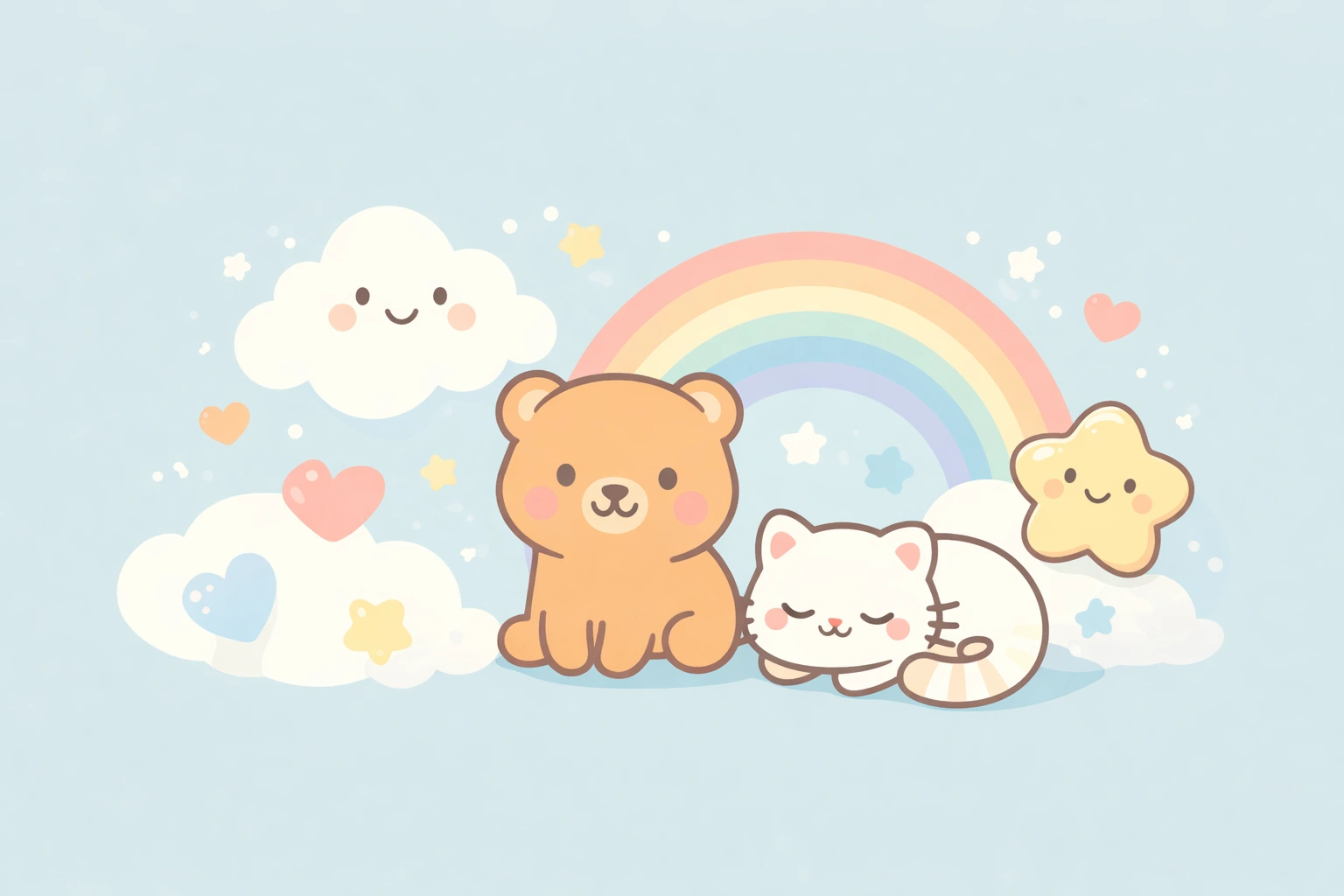
The term "kawaii" means "cute" in Japanese. This aesthetic celebrates innocence and sweetness through round shapes, pastel palettes, and cheerful expressions. Common elements include animals with oversized eyes, food with happy faces, clouds with rosy cheeks, and cartoon characters in soft pinks, blues, and lavenders. The style originated in Japan but has spread worldwide, influencing fashion, art, and digital design.
When selecting a cute background, think about what brings you joy. Some people prefer minimalist designs with a single character centered on a plain background. Others enjoy busy scenes filled with tiny details to discover. The best choice depends on your personal taste and how much visual activity you want on your screen. Many fans of this aesthetic also appreciate tools like aI voice changer apps that add fun effects to their creative projects.
Where to Find Quality Cute Backgrounds
Several websites offer free downloads of adorable screen designs. Pinterest hosts thousands of images shared by artists and collectors. DeviantArt features original artwork from talented creators. Wallpaper-specific sites like Wallhaven and Unsplash provide high-resolution options sorted by category. Search terms like "pastel cute background," "anime aesthetic," or "chibi animals" help narrow results.
Key features to look for:
- High resolution matching your device screen (1920x1080 for most desktops, 1080x1920 for phones)
- Clear images without watermarks or compression artifacts
- Colors that complement your app icons and interface elements
Social media platforms offer another treasure trove. Instagram and Tumblr accounts dedicated to this style post fresh content daily. Following hashtags connects you with artists who share their work for personal use. Some creators offer exclusive downloads to their followers. Those interested in creating custom designs might explore krea AI platforms that generate artwork based on text descriptions.
How to Apply Your New Background
Desktop computers make changing wallpapers simple. Right-click the image file and select "Set as desktop background" on Windows. Mac users can open System Preferences, choose Desktop & Screen Saver, and drag the image into the preview window. Phones require opening the image in your photo gallery, tapping the share icon, and selecting "Use as wallpaper."
Consider creating a rotation of several favorites. Windows and Mac both support folders of images that cycle automatically at set intervals. This keeps your screen fresh without manual changes. Your lock screen and home screen can display different images for variety. Matching themes across devices creates a cohesive look when you switch between your phone and computer.
Matching Wallpapers to Your Mood
Different designs suit different needs. Pastel gradients with minimal details work well during focused work sessions because they don't compete for attention. Detailed scenes with many characters provide entertainment during breaks. Seasonal themes let you celebrate holidays year-round - cherry blossoms for spring, pumpkin characters for autumn.
Color psychology plays a role too. Pink promotes feelings of warmth and comfort. Blue creates calm and concentration. Yellow energizes and uplifts. Choose shades that support your daily activities. If you spend long hours at your screen, softer tones reduce eye strain compared to bright white backgrounds. Content creators working with visuals sometimes use Discord music bots to set the mood while they design.
Creating Your Own Custom Designs
Digital art apps allow you to design personalized backgrounds. Procreate for iPad offers brush tools perfect for drawing cute characters. Desktop programs like Krita provide free alternatives with similar features. Start with simple shapes - circles for heads, ovals for bodies - then add facial features and accessories. Reference existing styles while developing your unique touch.
Photo editing becomes another creative avenue. Take pictures of your pet, plushies, or favorite snacks, then apply filters that soften colors and add subtle sparkles. Layer stickers or drawn elements over photographs. The combination of real objects and illustrated additions produces charming hybrid designs. If you're looking to improve the quality of your photos before editing, Better Colors offers AI-powered enhancement that automatically boosts contrast and color vibrancy with just one click - download it to give your images that extra polish before transforming them into custom wallpapers.