
Viggle AI: Turn Static Images into Animated Videos
Viggle AI turns photos into animated videos with artificial intelligence. Ready to create stunning content? Get perfect colors for your animations and videos with Better Colors for Windows. Download now and bring your visual projects to life with accurate, beautiful color display.
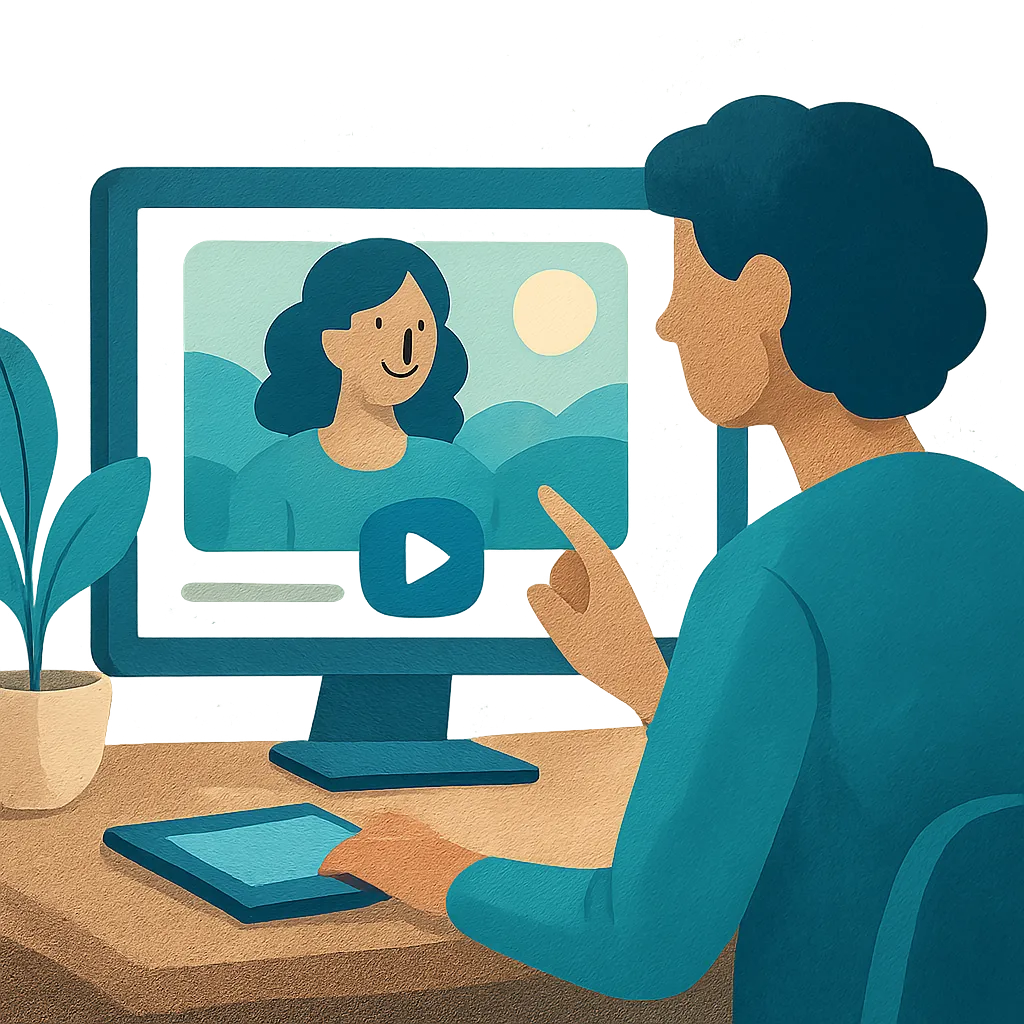
Viggle AI represents a breakthrough in content creation technology. This platform uses artificial intelligence to convert static images into animated videos. Users can bring characters to life by applying motion templates to their photos. The tool has gained popularity among content creators, marketers, and social media enthusiasts who want to produce eye-catching videos quickly.
How Viggle AI Works
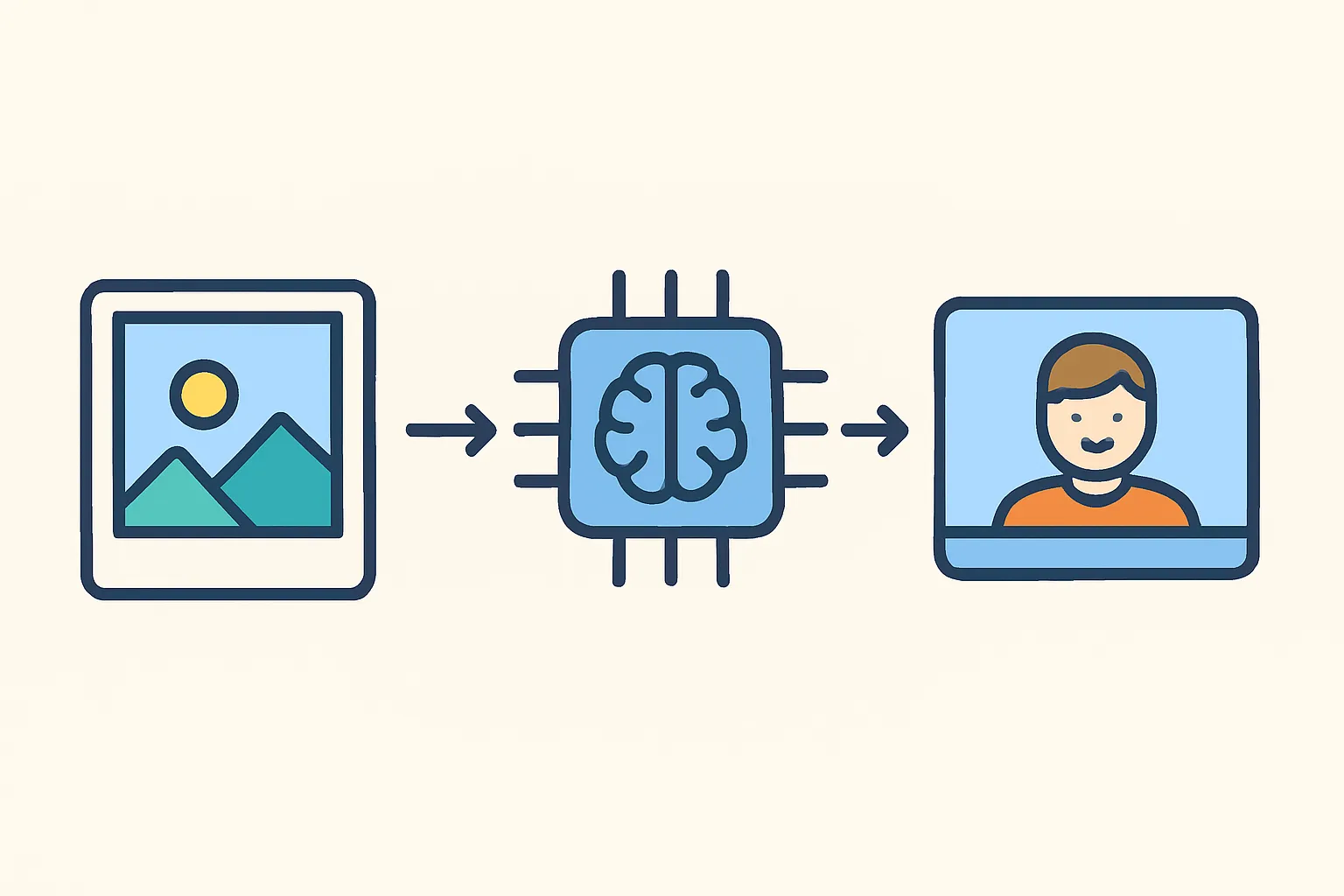
The platform operates through a simple upload-and-animate process. You start by uploading a photo of a person or character. The AI analyzes the image and identifies key body points. Next, you select a motion template from the library. The system then applies that movement to your static image, creating an animated video. The entire process takes just a few minutes.
Key features include:
- Template library with hundreds of motion options ranging from dances to action sequences
- Character recognition that works with both realistic photos and illustrated figures
- Export options in multiple video formats suitable for different platforms
Main Uses for This Technology
Content creators use this animation tool for several purposes. Social media managers produce short-form video content to increase engagement rates. Marketing teams create product demonstrations without hiring actors or animators. Educators develop teaching materials that capture student attention. Game developers prototype character movements before full production. The technology saves time and reduces costs compared to traditional animation methods.
Many creators also experiment with popular franchise characters, including jujutsu kaisen characters, to produce fan content. This application has helped build communities around shared interests while showcasing the platform's flexibility.
Getting Started with the Platform
Access to Viggle AI currently requires joining their Discord server. Once inside, you interact with the bot through text commands. The learning curve is gentle because the community provides tutorials and examples. You can start with simple animations and progress to more complex projects as you become comfortable with the interface.
New users should begin by testing different motion templates on the same image. This approach helps you understand how various movements look when applied to your specific photo. Pay attention to lighting and pose in your source image - these factors affect the final output quality.
Comparing Similar Tools
The market now offers several AI-powered animation platforms. Some alternatives like hypernatural ai focus on different aspects of video creation. Others, such as haiper ai, provide complementary features for post-production editing. Each tool serves slightly different needs, so choosing depends on your specific project requirements and workflow preferences.
Technical Requirements and Limitations
The platform works through cloud processing, so you need a stable internet connection. Image quality matters - higher resolution photos generally produce better results. The AI performs best with clear, well-lit images where the subject faces the camera. Side angles and complex poses may require multiple attempts to achieve satisfactory results.
Current limitations include occasional glitches in hand movements and challenges with loose clothing. The development team releases regular updates that address these issues. User feedback directly influences which improvements receive priority.
Future Developments in AI Animation
Animation technology continues to advance rapidly. Upcoming features may include custom motion capture, improved fabric physics, and better facial expression controls. The industry moves toward tools that require less technical knowledge while delivering professional-quality output.
If you're working with visual content and need to enhance images before animation, consider downloading Better Colors - it offers AI-powered enhancement with fast processing that takes just a few seconds.