
Hypernatural AI: Smart Video Creation Tool Guide
Discover how Hypernatural AI transforms text into professional videos using artificial intelligence. Learn features, benefits, and tips to create stunning content. Want your videos to look their best? Download Better Colors for Windows to optimize your display and see every detail with perfect color accuracy.

Hypernatural AI is a video creation platform that uses artificial intelligence to turn text into polished video content. The tool helps creators, marketers, and businesses produce videos quickly without needing advanced editing skills. You can generate videos from blog posts, podcasts, or simple text prompts in minutes.
How Hypernatural AI Works
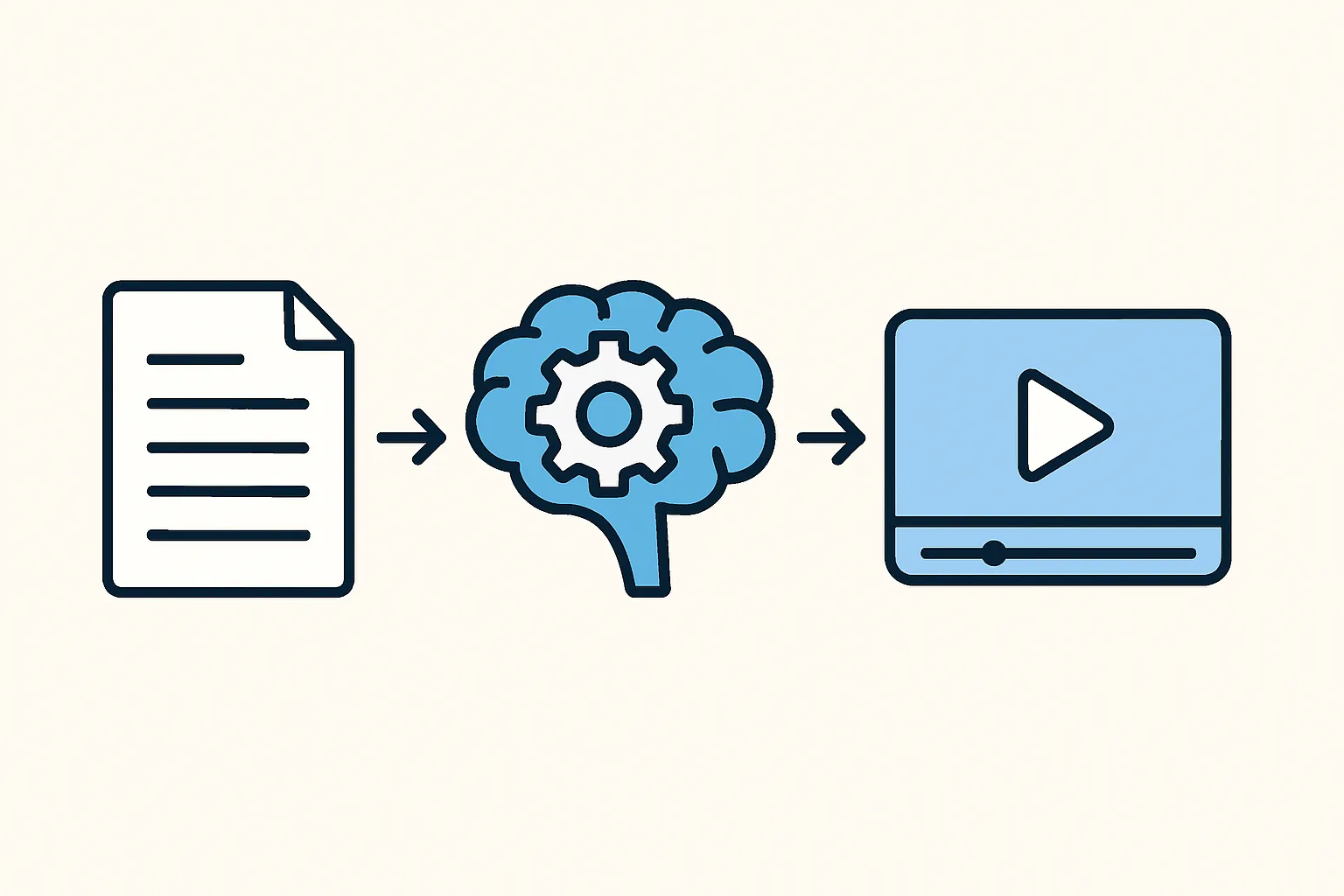
The platform analyzes your input text and automatically creates a video structure. It selects relevant visuals, adds captions, and applies transitions. You provide the content, and the system handles the technical work. The process takes a fraction of the time traditional video editing requires.
Similar to how haiper AI processes content, Hypernatural AI breaks down your text into scenes. Each scene gets matched with appropriate stock footage, images, or generated graphics. The AI also suggests background music and voice-over options that fit your content's tone.
Key Features You Should Know
Hypernatural AI offers several tools that make video production accessible:
- Text-to-video conversion: Paste your script or article, and the platform builds a complete video
- Customizable templates: Choose from pre-designed styles that match different industries and purposes
- Multi-format export: Download videos optimized for YouTube, Instagram, TikTok, or other platforms
The interface requires no prior video editing experience. You can preview changes in real time and adjust elements until the output matches your vision. The system supports various video lengths, from short social media clips to longer promotional content.
Who Benefits from This Tool
Content creators who publish regularly find Hypernatural AI useful for maintaining consistent output. Marketing teams use it to repurpose written content into video format for broader reach. Small business owners without design budgets can create professional-looking ads and explainer videos.
Educators and trainers convert lesson materials into engaging video presentations. Podcasters transform audio episodes into video clips for platforms that prioritize video content. The tool works well for anyone who needs video content but lacks time or technical skills. Tools like viggle AI serve different creative niches, but Hypernatural focuses specifically on turning text into video narratives.
Practical Tips for Best Results
Start with clear, concise text. The AI performs better when your input is well-organized with distinct sections. Break long content into shorter segments to give the system natural break points for scene changes.
Review the automatically selected visuals and replace any that don't match your message. The AI makes educated guesses, but your judgment ensures accuracy. Adjust the pacing if the video feels too rushed or too slow - most viewers prefer a steady rhythm that matches speech patterns.
Test different voice options if using narration. Some voices suit serious topics better, while others work for casual content. Export a draft version first and watch it completely before finalizing. Small tweaks often make a big difference in the final impression.
Comparing AI Video Tools
The market includes several AI video generators, each with different strengths. Some platforms like remaker AI focus on specific editing tasks, while others offer broader creation suites. Hypernatural AI positions itself as a text-first solution, making it ideal when you already have written content to convert.
Pricing models vary across platforms. Some charge per video, others use subscription tiers based on features or export quality. Evaluate what you need most - speed, customization options, or output resolution - before committing to a specific tool.
Getting Started
Create an account and upload your first piece of text. The platform walks you through basic settings like video length, aspect ratio, and style preference. Most users produce their first video within 15 minutes of signing up.
Experiment with different content types to understand how the AI interprets various writing styles. News articles generate different results than creative storytelling. The more you use the tool, the better you'll predict which inputs produce the best outputs.
If you're also working on still images and need quick enhancements, download Better Colors - an AI-powered enhancement tool that automatically boosts contrast and color vibrancy in your photos.