
AI Photo: Transform Your Images with Smart Technology
AI photo technology transforms digital imaging with automatic fixes and quality improvements. Want to see what AI can do for your pictures? Better Colors for Windows makes it easy to enhance your photos right now.
AI photo technology has changed how we work with digital images. Instead of spending hours adjusting settings manually, you can now let artificial intelligence analyze and improve your pictures automatically. This technology examines your image, identifies problems, and applies corrections in seconds.
What Is AI Photo Technology?
AI photo tools use machine learning algorithms trained on millions of images. These algorithms recognize patterns - they know what a well-exposed photo looks like, how colors should appear, and where sharpness matters most. When you upload an image, the system compares it against this learned knowledge and makes adjustments accordingly.
The process happens quickly. You don't need to understand technical terms like exposure curves or color channels. The software handles these details while you focus on the results.
Common AI Photo Features
Modern AI photo applications offer several useful capabilities:
-
Automatic color correction - The system balances tones and adjusts saturation to make colors appear natural
-
Detail restoration - Algorithms sharpen edges and recover lost texture in blurry or low-quality images
-
Light adjustment - The tool fixes underexposed or overexposed areas without your input
These features work together. An image enhancer can tackle multiple problems in one pass, saving you time and effort.
How AI Photo Tools Work
The technology behind these tools starts with training. Developers feed thousands of before-and-after image pairs into neural networks. The network learns what "better" means by studying these examples. Over time, it builds rules for improvement.
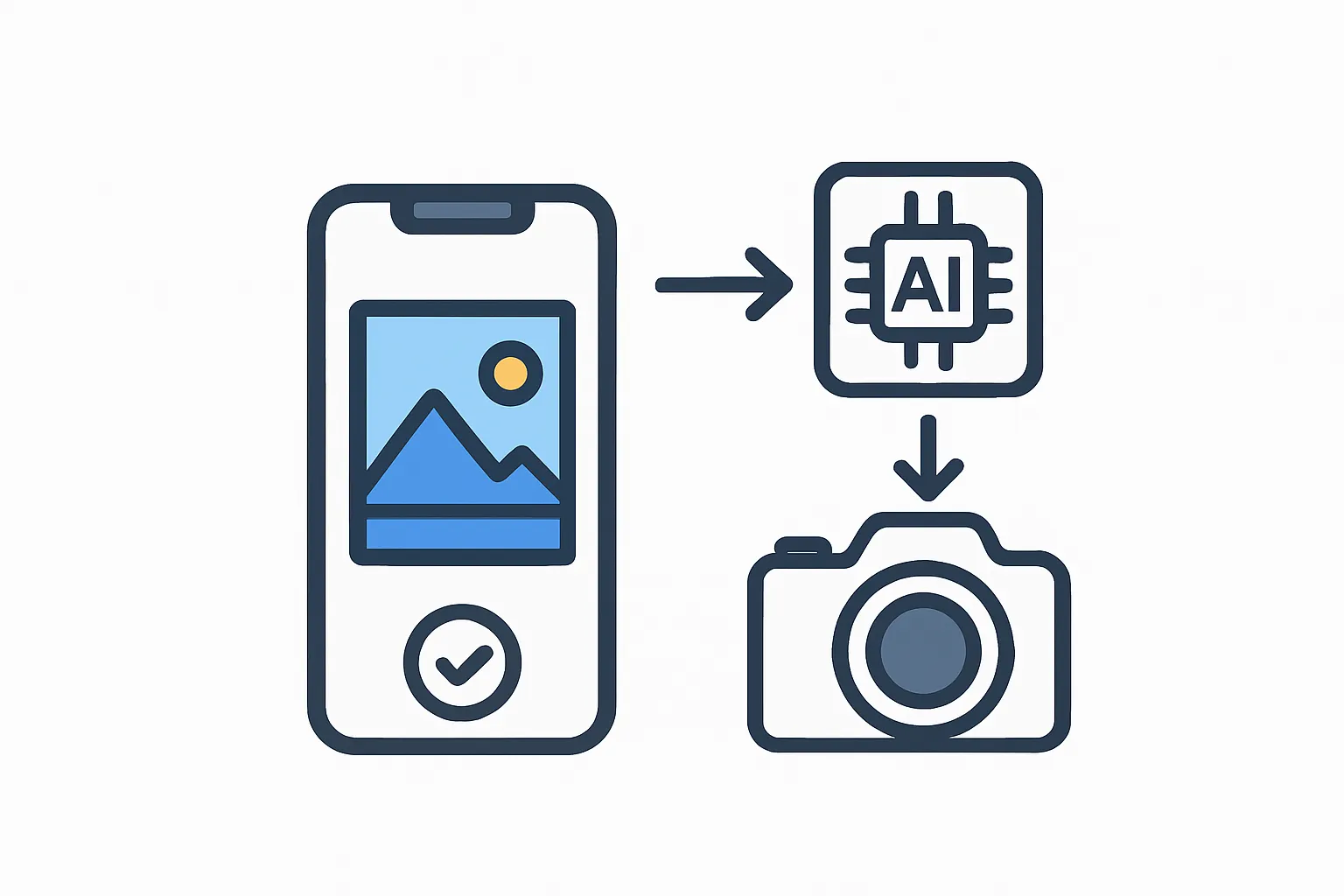
When you submit your photo, the network applies these rules. It might enhance photo quality by increasing contrast in flat areas or warming up a cold color cast. The changes happen automatically, but you retain control - most tools let you accept, reject, or fine-tune the results.
Choosing the Right AI Photo Solution
Different tools serve different needs. Some run in your browser, while others require installation. Online options offer convenience - you can access them from any device with internet. Desktop applications often provide upscale image ai features and work without an internet connection.
Speed matters too. A good ai image enhancer processes files in seconds, not minutes. Look for software that handles common formats like JPEG and PNG without conversion steps.
Practical Uses for AI Photo Technology
Photographers use these tools to speed up editing workflows. Instead of adjusting each photo individually, they batch-process hundreds of images with consistent results. Social media users rely on AI to make smartphone snapshots look professional before posting.
Small business owners benefit as well. Product photos need to look sharp and well-lit. An ai photo editor online free can prepare images for websites or catalogs without hiring a professional editor.
Getting Started
You don't need special skills to begin. Most AI photo tools follow the same pattern: upload your image, let the system analyze it, and review the improved version. The software does the heavy lifting.
Desktop applications often provide more control than web-based options. They process files faster and work when you're offline. Better Colors offers AI-powered enhancement that automatically boosts contrast and color vibrancy with a single click - download Better Colors to start improving your images in seconds.