
Upscale Image AI: Enhance Photo Quality Instantly
Ready to transform your low-resolution images into sharp, high-quality photos? AI upscaling makes it simple. Better Colors for Windows gives you powerful tools and techniques to improve your pictures right now.

Digital photos sometimes disappoint. You open an old picture and notice the blurry edges, pixelated details, and washed-out colors. Traditional editing methods can't recover information that wasn't captured in the first place. Artificial intelligence changes this limitation by analyzing patterns and reconstructing missing details.
How AI Image Upscaling Works
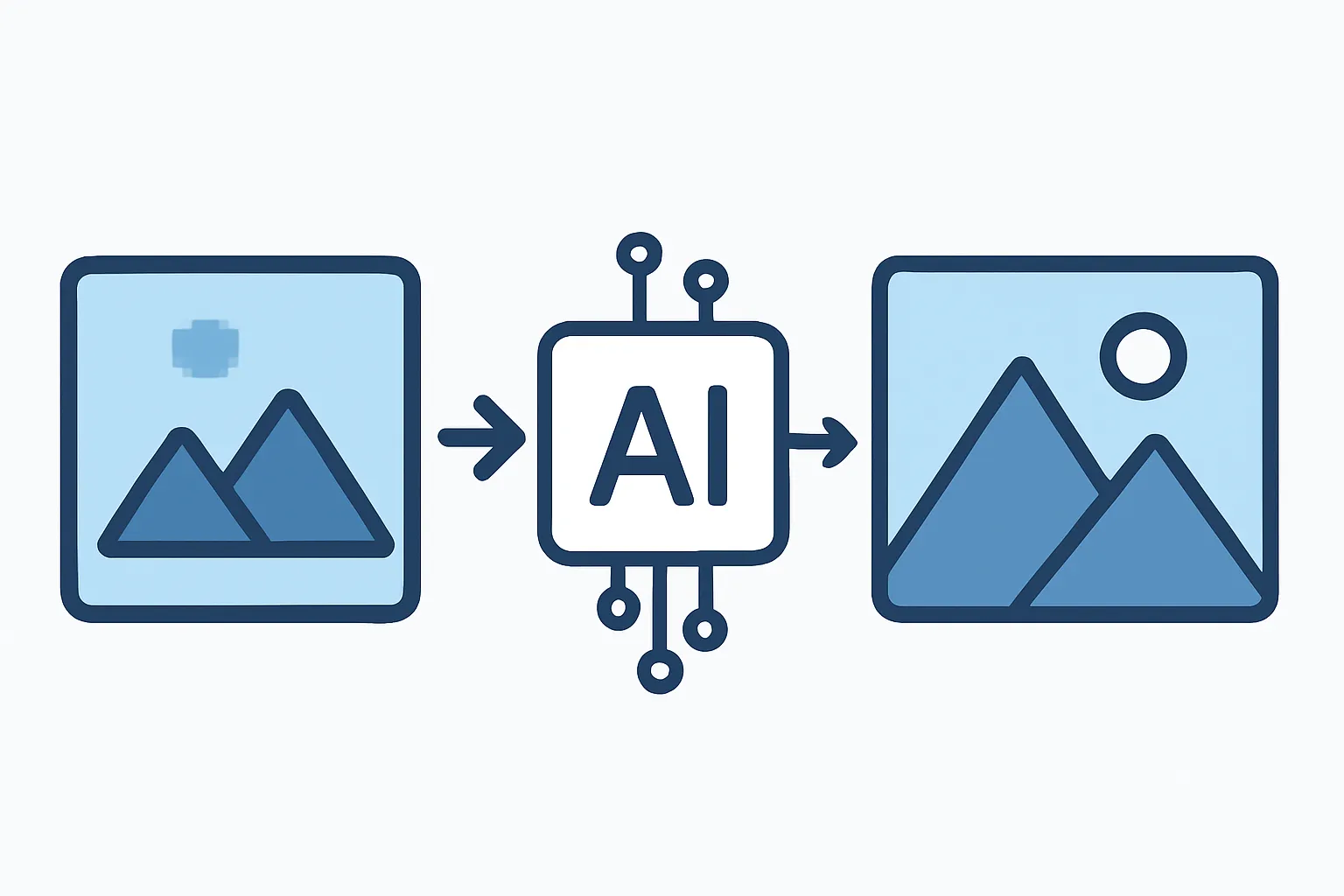
The technology examines millions of high-quality images during training. It learns how sharp edges look, how textures appear, and how colors blend naturally. When you feed a low-resolution photo into the system, algorithms predict what the missing pixels should contain. The ai image enhancer fills gaps by drawing on learned patterns rather than simply stretching existing pixels.
The process happens in layers. First, the software identifies objects and surfaces in your image. Next, it applies specific enhancement rules for each element. Skin receives different treatment than fabric or foliage. This selective approach produces realistic results that basic interpolation cannot match.
Key Benefits of AI Upscaling
-
Recovers details from small or compressed images without introducing artifacts
-
Prepares photos for large-format printing by increasing resolution cleanly
-
Restores clarity to old family pictures taken with outdated cameras
Choosing the Right Tool
Many platforms offer AI upscaling services. Free online tools provide quick results for casual users who need occasional help. Desktop applications give you more control and process images locally. Consider your privacy needs - uploading sensitive photos to third-party servers exposes them to potential risks.
Speed matters when you work with multiple images. Some services take minutes per photo, while others finish in seconds. Check supported file formats before committing to a tool. Most handle JPEG and PNG files, but specialized formats may require conversion with an image enhancer.
Best Practices for Quality Results
Start with the highest quality source available. AI can't invent details that never existed, so a clearer original produces better output. Clean your images before upscaling - remove dust spots, adjust exposure, and correct color casts. These small fixes help the algorithm focus on detail reconstruction rather than compensating for basic flaws.
Test different scaling factors. Doubling resolution usually works well, but quadrupling may introduce unwanted smoothing. Compare outputs at 100% zoom to catch subtle problems. If an enhance photo tool adds strange textures or blurs important features, reduce the scaling amount or try another service.
Common Mistakes to Avoid
Don't upscale already-enlarged images repeatedly. Each pass adds processing artifacts that compound over time. Save your original files separately so you can return to them if needed. Avoid applying heavy filters after upscaling - the enhanced details can become exaggerated and unnatural.
Watch for edge halos and color shifts. These indicate the algorithm struggled with certain areas. You may need to mask problem zones and process them separately. When working on portraits, zoom in on faces to verify that skin texture remains believable. Over-sharpened skin looks artificial and ages subjects prematurely.
Practical Applications
Old family albums contain memories trapped in small prints. Scanning and upscaling these photos prepares them for digital frames or reprints. Social media images often get compressed during upload. Restoring them before printing prevents disappointing results. Product sellers benefit from clear, detailed listings that show merchandise accurately.
Graphic designers improve image quality when client-supplied logos arrive too small for layouts. Real estate agents enhance property photos to highlight features buyers care about. Teachers create clearer handouts from scanned documents. The technology serves anyone who needs better visual quality than their source material provides.
Comparing Performance
Not all AI models perform equally. Some excel at faces while others handle text or architecture better. Test candidates with your typical image types before settling on one solution. Free trials let you evaluate results without financial risk. Read recent reviews - developers update algorithms frequently, and yesterday's winner may not lead today.
Getting Started Today
You don't need technical expertise to begin improving your photos. Most modern tools guide you through a simple process: load your image, select desired output size, and wait for processing to complete. Results appear within seconds for standard photos. If you want fast, ai photo enhancer software that works without complex settings, download Better Colors - it processes images in just a few seconds and requires no sign-up to start enhancing your pictures right away.