
Blur to Clear Image: Sharpen Your Photos Fast
Turn blurry photos into sharp, clear images using simple tools and techniques. Fix unfocused pictures in seconds with Better Colors for Windows. Download now and start restoring your photos with powerful color and clarity correction features.

Blurry photos frustrate everyone. You capture what seems like a perfect moment, only to find the image soft and out of focus when you review it later. Motion blur, camera shake, or poor autofocus can ruin otherwise memorable shots. The good news is that you can fix many blurry images using the right tools and methods.
What Causes Blurry Images?
Several factors create blurry photos. Camera movement during exposure produces motion blur - especially common in low light when shutter speeds slow down. Subject movement creates a different kind of blur, where the background stays sharp but your subject appears smashed. Poor focus happens when the camera locks onto the wrong area. Understanding the cause helps you choose the best correction method. Tools designed to unblur images work differently depending on which type of blur affects your photo.
Simple Ways to Sharpen Blurry Photos
You don't need expensive software to fix most blurry pictures. Here are proven techniques:
- Use sharpening filters - Most editing tools include sharpness adjustments that add definition to soft edges
- Apply deconvolution algorithms - Advanced methods reverse motion blur by analyzing blur patterns
- Try AI-based restoration - Modern algorithms can predict and restore missing detail in unfocused areas
Start with basic sharpening before moving to advanced techniques. Over-sharpening creates harsh halos around edges, so apply corrections gradually.
When to Use Manual vs. Automated Tools
Manual sharpening gives you control but requires patience and skill. You adjust sliders for radius, amount, and threshold until the image looks right. Automated tools analyze your photo and apply corrections instantly. For casual users, an aI photo enhancer saves time and produces consistent results without requiring technical knowledge.
Desktop applications often provide more powerful correction options than web tools. They process larger files and offer batch editing for multiple photos. Many work without an internet connection, protecting your privacy when handling sensitive images.
Professional Techniques for Severe Blur
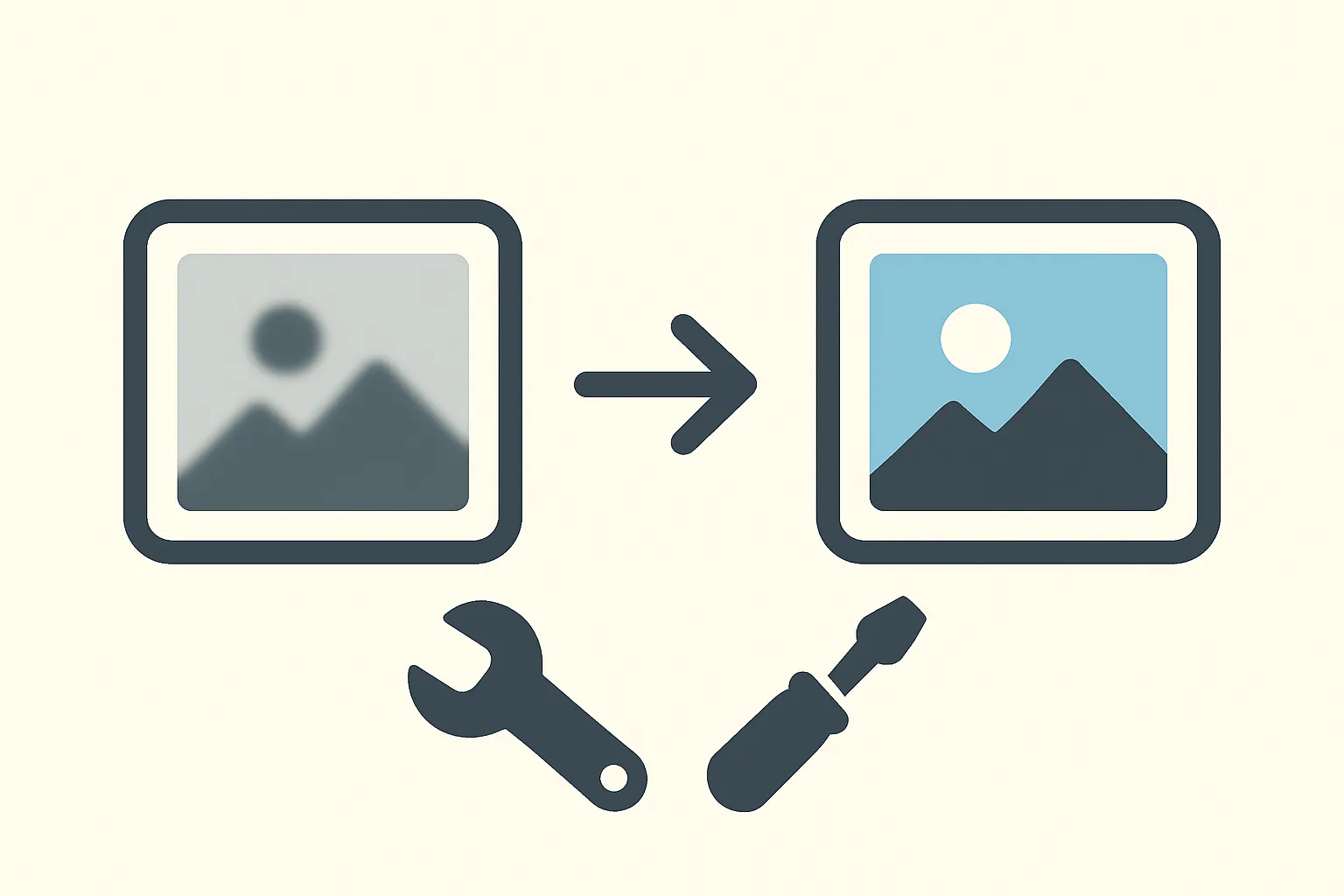
Heavily blurred photos need special attention. Deblur algorithms work by reversing the mathematical function that created the blur. This process demands significant computing power but can recover surprising detail. Some situations call for an image enhancer with specialized filters that target specific blur types, such as Gaussian or motion blur.
Stacking multiple exposures is another professional trick. If you shot several frames of the same scene, alignment software can combine the sharpest parts of each image into one clear result. This technique works best for static subjects like landscapes or product photography.
Preventing Blur in Future Photos
Prevention beats correction every time. Use faster shutter speeds to freeze motion - aim for at least 1/250 second for moving subjects. Hold your camera steady with both hands, elbows tucked against your body. Tripods eliminate camera shake entirely for static scenes. Enable image stabilization if your camera or lens includes it. Raise your ISO setting when light is dim, accepting some noise rather than risking blur. Back-button focus lets you lock focus independently from the shutter, reducing autofocus errors. These habits will reduce the number of blurry shots you need to fix later, though tools to improve image quality remain helpful for older photos.
Choosing the Right Software
Different tools suit different needs. Browser-based editors offer convenience but limited power. Mobile apps work well for quick fixes on phones. Desktop software handles larger files and provides more control. Consider processing speed, file format support, and ease of use when selecting a tool. Some programs specialize in specific correction types, while others provide general photo enhancement across multiple areas like color, contrast, and sharpness.
If you want a fast solution that handles multiple quality issues at once, Better Colors offers AI-powered enhancement that automatically boosts contrast and color vibrancy. Download Better Colors to fix common photo problems in seconds with its one-click approach.