
Image Enhancer: Improve Photo Quality Instantly
Want to fix dull photos fast? Image enhancers work automatically to brighten and improve your pictures. Ready to transform your images? Download Better Colors for Windows and start getting amazing results from your photos today.
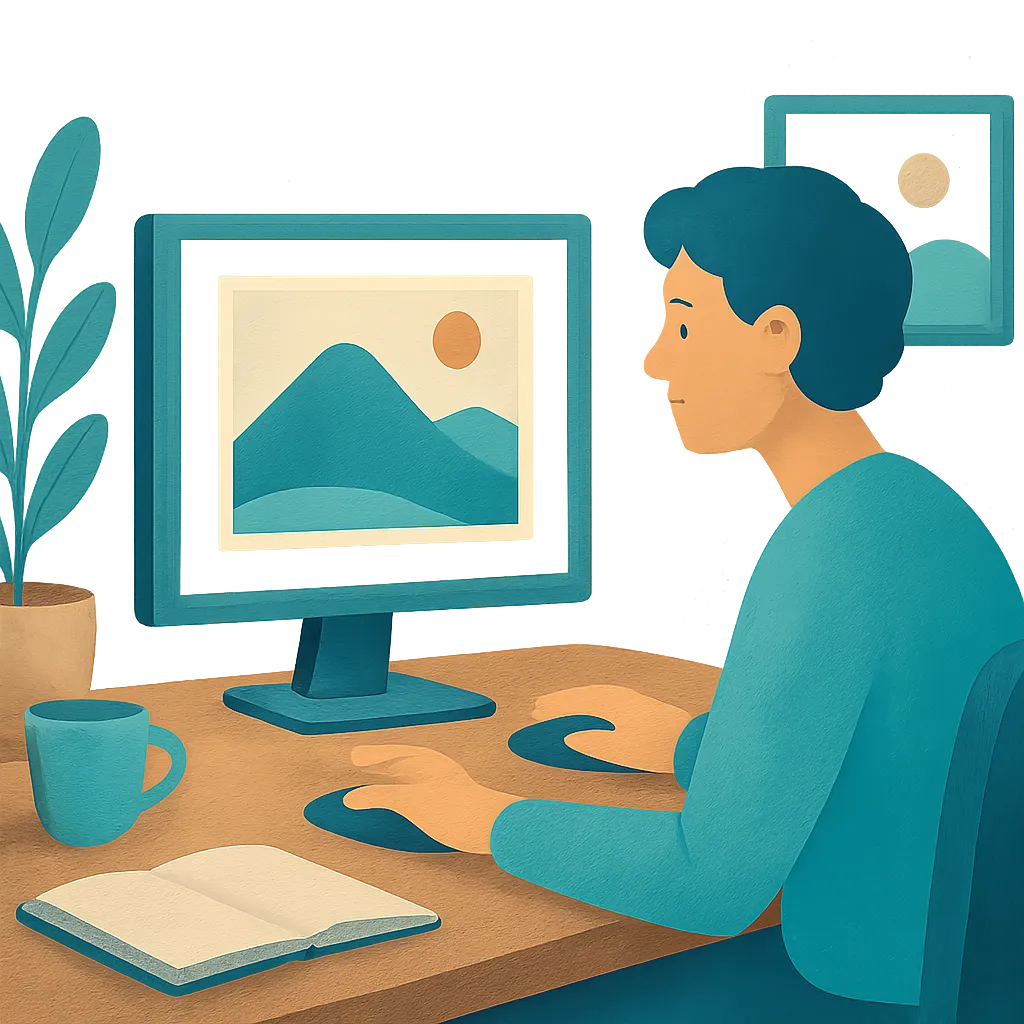
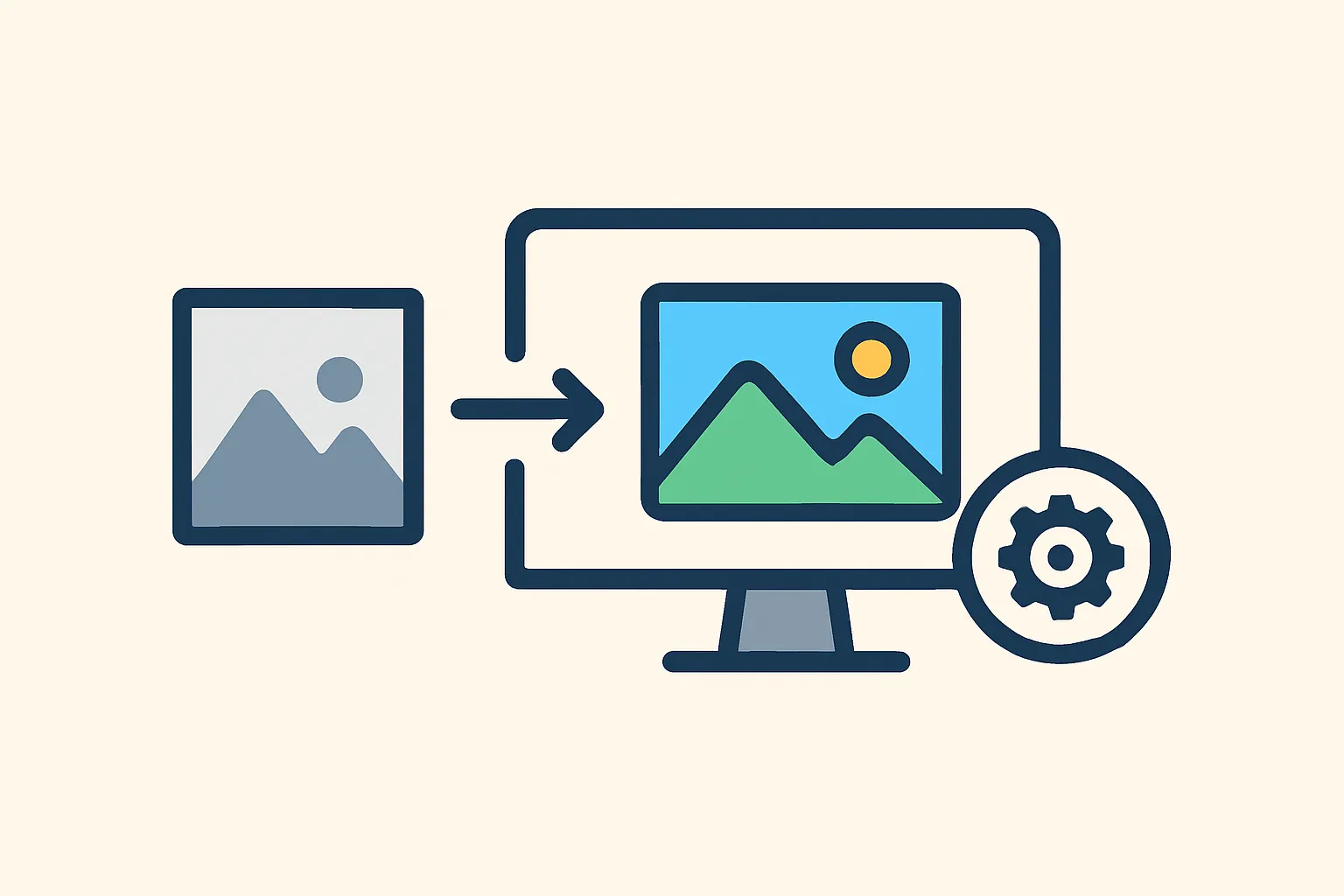
An image enhancer is a tool that improves photo quality by adjusting colors, brightness, and sharpness. These applications work automatically to make your pictures look better without requiring advanced editing skills. You simply load a photo, apply the enhancement, and save the improved version.
Digital photos often need adjustments after capture. Lighting conditions, camera settings, or compression can reduce image quality. An enhancer addresses these issues by analyzing pixel data and applying corrections. The software identifies areas that need improvement and makes targeted changes to restore detail and color accuracy.
How Image Enhancement Works
The process starts when you import a photo into the software. The application scans the image to detect problems like low contrast, washed-out colors, or incorrect exposure. Modern tools use algorithms that compare your photo against optimal values for brightness, saturation, and sharpness. When working with tools for photo enhancement, you typically see results within seconds.
The software then applies corrections automatically. It might brighten dark areas, deepen shadows for better depth, or increase color saturation to make hues more appealing. Some tools also sharpen edges to make details stand out. The entire process happens quickly, often taking just a few seconds per image.
Key Features to Look For
When choosing an enhancement tool, consider these important capabilities:
- Automatic correction that requires no manual adjustment
- Support for common file formats like JPEG and PNG
- Fast processing that delivers results in seconds
Desktop applications offer advantages over online services. They process images locally on your computer, which means faster speeds and better privacy. You don't need to upload personal photos to external servers. Many desktop aI photo enhancers also work without an internet connection after installation.
Common Enhancement Techniques
Color correction fixes tints and restores natural tones. If your photo has a yellow or blue cast from artificial lighting, the software neutralizes these unwanted color shifts. Contrast adjustment makes bright areas brighter and dark areas darker, which adds depth and dimension to flat-looking images.
Sharpness enhancement brings out fine details that appear soft or blurry. This technique works well for photos that lack crispness due to slight camera movement or focus issues. Some advanced tools can even help unblur images that suffered from motion during capture.
Exposure correction balances the overall brightness. Underexposed photos become lighter, revealing details hidden in shadows. Overexposed images get darkened to recover blown-out highlights. The software makes these adjustments while preserving the natural look of the scene.
When to Use Enhancement Tools
These applications prove useful in several situations. Old scanned photos often benefit from color restoration and contrast improvement. Pictures taken in poor lighting conditions need brightness and color adjustments. Even well-shot photos can gain polish through subtle enhancements that make colors more appealing.
Social media posts perform better with eye-catching images. Enhanced photos attract more attention in feeds and timelines. Business professionals use these tools to improve image quality for presentations, websites, and marketing materials. The improvements help content look more professional without requiring expensive editing software or training.
Batch Processing Capabilities
Many enhancement tools can process multiple images at once. This feature saves time when you need to improve an entire photo collection. You select a folder of images, apply settings, and let the software work through each file automatically. Batch processing maintains consistency across all photos, which is especially helpful for product photography or event albums.
Getting Started with Enhancement Software
Download a desktop application to begin improving your photos. Look for free photo enhancer options that don't require subscriptions or registration. Install the program on your Windows computer and launch it. The interface should be simple enough to understand immediately.
Drag your photo into the application window. The software will analyze and enhance the image automatically. Review the results and save the improved version to your preferred location. Most tools complete this entire workflow in under a minute per photo.
Better Colors offers a straightforward solution for anyone looking to enhance photos quickly. Download Better Colors today to start improving your images with AI-powered enhancement that works fully offline after installation on your PC.