
Photo Enhancer Free: Best Tools to Improve Pictures
Want to fix colors, sharpen details, and boost image quality for free? Better Colors for Windows gives you professional photo enhancement tools at no cost. Download now and transform your images in seconds with automatic corrections and easy controls.
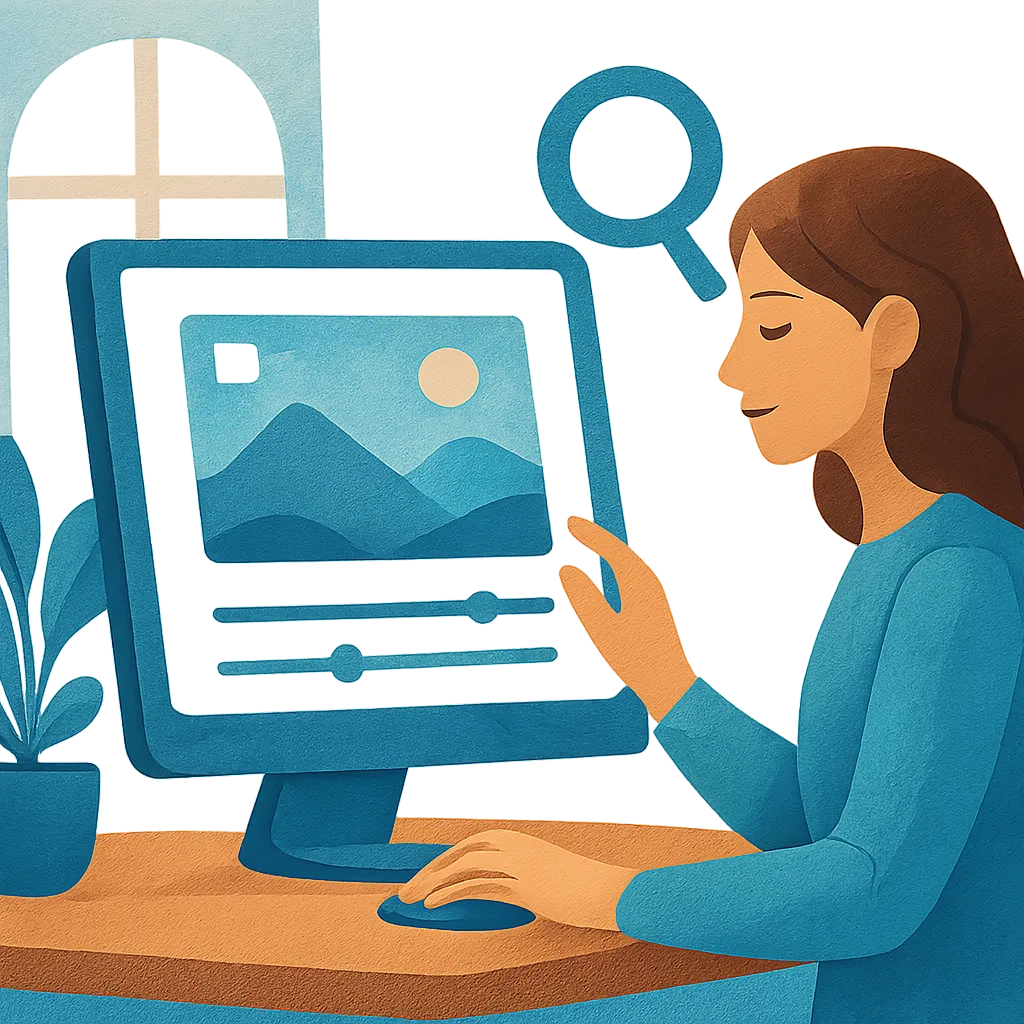
You take a photo and notice it looks dull or dark. The colors seem flat, and the details lack sharpness. This happens to everyone, whether you're using a smartphone or a professional camera. The good news is that you don't need expensive software to fix these problems.
Free photo enhancement tools can rescue disappointing images. These applications analyze your pictures and apply corrections automatically. You upload your file, click a button, and watch the changes happen. The process takes seconds, and the results often surprise first-time users.
Why Use Free Enhancement Tools
Many photographers assume quality editing requires a monthly subscription. This belief stops them from trying software that could save their photos. Free tools have improved significantly in recent years, offering features that once cost hundreds of dollars.
AI photo enhancers use machine learning to detect problems in your images. The software recognizes underexposed areas, weak contrast, and faded colors. It then applies targeted adjustments to each problem zone. You don't need to understand technical terms or manual sliders - the program handles everything.
Most free enhancement applications work in three simple steps:
- Upload your JPEG or PNG file to the tool
- Let the software analyze and process your image automatically
- Download the improved version to your device
Key Features to Look For
When choosing a free enhancement tool, check if it works offline. Online platforms require uploading your photos to remote servers, which raises privacy concerns. Desktop applications process everything on your computer, keeping your images secure.
Speed matters too. Some image enhancers take minutes to process a single photo, while others finish in seconds. If you have dozens of images to fix, that time difference becomes significant. Look for tools that promise quick results without sacrificing quality.
Format support determines which files you can edit. Most free enhancers handle JPEG and PNG files, the two most common formats. If you work with RAW images from a DSLR camera, you'll need to convert PDF to JPG or check if the tool supports those specialized formats.
Common Enhancement Capabilities
Free tools typically adjust brightness, contrast, and saturation. These three settings account for most visible improvements in casual photography. Brightness fixes underexposed or overexposed shots. Contrast adds depth by separating light and dark areas. Saturation makes colors pop without looking fake.
Some applications also sharpen details. This feature helps when you need to unblur images that look soft or slightly out of focus. The software identifies edges and increases their definition, making the entire photo appear crisper.
Another useful function is automatic color correction. The tool analyzes the white balance in your image and adjusts color temperature. This removes unwanted yellow or blue tints that occur when shooting under artificial lighting.
No Hidden Costs or Complications
You might worry about trial periods or limited features. Many companies advertise free tools but lock the best functions behind a paywall. They let you preview results but force you to pay before downloading the final image. This bait-and-switch tactic wastes your time.
Genuine free enhancement software provides all features at no cost. You install the program, run it as many times as you want, and never see a payment screen. No credit card details, no subscription reminders, and no artificial restrictions.
The aI upscale image function deserves special mention. Some free tools can increase resolution while adding missing details. This works well for photos you want to print in larger sizes or improve image quality for professional use.
Getting Started Today
Download a free photo enhancer that doesn't require sign-up or payment. Better Colors is completely free and offers AI-powered enhancement to instantly fix your photos with a single click - just install it on your Windows PC and start improving your images right away.