
Hotpot AI: Easy Image Creation and Editing Tools
Hotpot AI offers simple tools for creating and editing images with artificial intelligence. Design graphics quickly and easily. Want perfect color harmony in your designs? Better Colors for Windows helps you pick beautiful color combinations that work.
Hotpot AI is a web-based platform that provides artificial intelligence tools for creating and editing images. The service helps users generate graphics, remove backgrounds, and enhance photos without requiring advanced design skills. You access the tools through your web browser and start working on your projects immediately.
What Hotpot AI Offers
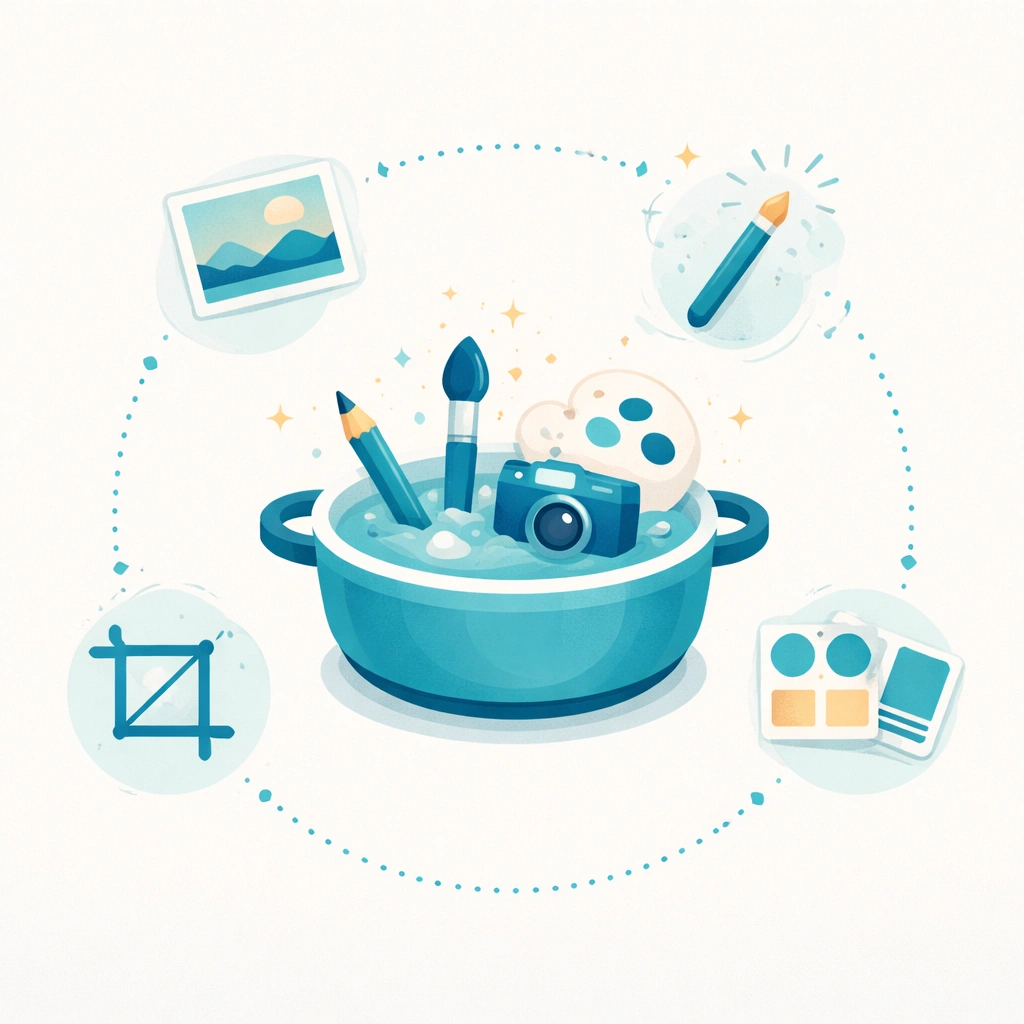
The platform includes several tools that serve different purposes. You can create AI-generated artwork by typing text descriptions. The system processes your input and produces images based on your words. You also find tools for removing backgrounds from photos, restoring old images, and upscaling low-resolution pictures.
Key features include:
- Text-to-image generation that creates custom artwork from descriptions
- Background removal tool that isolates subjects automatically
- Photo restoration that fixes damaged or aged photographs
How the Image Generator Works
You start by entering a text prompt that describes what you want to see. The aI remaker technology reads your description and generates an image that matches your request. You can specify styles, colors, and subjects in your prompt. The system produces results in seconds, and you can generate multiple variations until you find one that works for your project.
The generator works well for creating marketing graphics, social media posts, and concept art. You download the final images in common formats that work with most software. Some advanced features require credits, which you purchase through the platform.
Background Removal and Photo Enhancement
The background removal tool detects the main subject in your photo and separates it from everything else. You upload an image, and the system automatically identifies what to keep and what to remove. This process saves time compared to manual selection in traditional editing software.
Photo enhancement features include colorization for black-and-white images and sharpening for blurry photos. The uncrop AI functionality expands images beyond their original borders by predicting what should appear in the extended areas. These tools help you prepare images for professional use without learning complex software.
Creative Applications
Many users apply Hotpot AI for business marketing materials. You create product mockups, social media graphics, and promotional images without hiring a designer. The aI voice changer and similar tools from other platforms can complement your visual content when you need complete multimedia projects.
Artists use the platform to explore concepts quickly. You generate reference images, test color schemes, and develop visual ideas before committing to final artwork. The pika AI and related services offer video capabilities that pair well with static image creation.
Getting Started
You visit the Hotpot AI website and select the tool you need. Most features work without creating an account, though registration unlocks additional capabilities. Free tiers let you test the service before deciding whether to purchase credits for higher-resolution outputs or commercial licensing.
The interface presents each tool clearly. You see upload buttons, text input fields, and settings controls without navigating through multiple menus. Results appear quickly, and you can adjust settings and regenerate as needed. The platform works on desktop and mobile browsers, so you access your tools from any device. Consider checking out Discord music bots for team collaboration when working on creative projects with others.
If you're looking for quick photo improvements after working with AI-generated images, download Better Colors - a free Windows app that enhances your photos with AI-powered contrast and color adjustments in just one click.