
Remaker AI: Transform Your Face Swap and Video Edits
Remaker AI lets you swap faces, edit videos, and create content with artificial intelligence. Learn how this tool works and what it offers. Want your AI creations to look stunning? Get accurate colors and sharp contrast on your Windows display with Better Colors.

Remaker AI is a web-based platform that uses artificial intelligence to change faces in photos and videos. You upload your content, select the face you want to swap, and the software does the rest. The tool has gained attention for its ability to produce realistic results without requiring technical skills.
What Remaker AI Offers
The platform includes several features designed for content creators, social media users, and anyone curious about AI-powered editing. You can swap faces in static images, apply the same effect to video clips, and generate new content from text prompts. The interface guides you through each step, so you don't need prior experience with editing software.
Core capabilities include:
- Face swapping in photos with automatic detection and alignment
- Video face replacement that maintains expressions and lighting
- AI image generation from written descriptions
Many users turn to this service when they want to create funny memes, test how they might look with different features, or produce creative content for their channels. Similar tools like viggle AI have also emerged in this space, offering motion-capture alternatives.
How the Face Swap Process Works
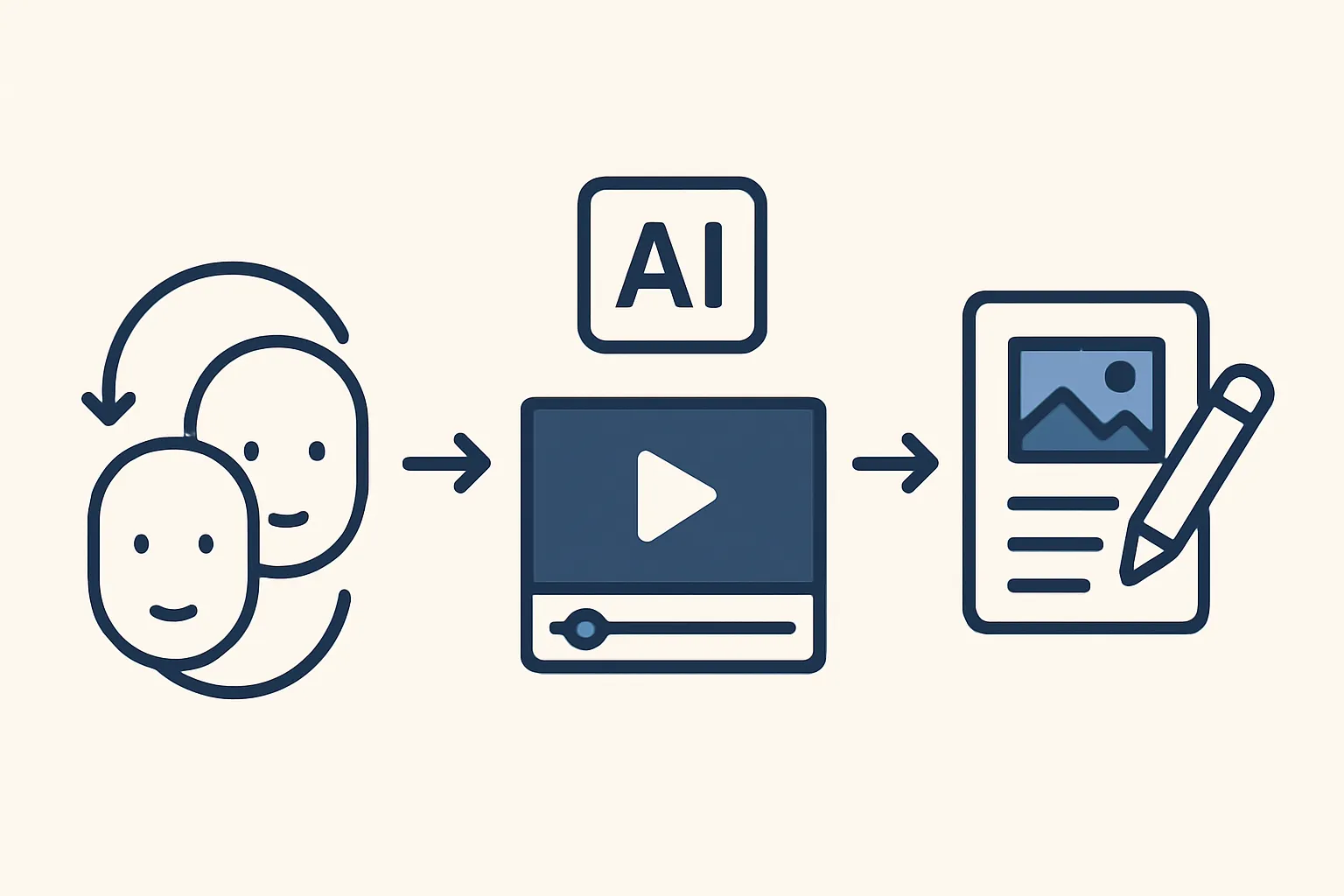
You start by uploading a source image or video. The AI scans the frame to identify facial landmarks such as eyes, nose, and mouth. Next, you provide a target face - the one you want to insert. The algorithm maps the target face onto the original, adjusting for angle, lighting, and skin tone. The final output appears within seconds or minutes, depending on file size.
The system handles common challenges like partial occlusion and side profiles. If the original footage shows someone turning their head, the swapped face will follow that movement. This level of detail makes the results believable, though you may notice occasional artifacts around hairlines or edges.
Privacy and Ethical Considerations
Using face-swapping technology raises questions about consent and misuse. The platform states that users must own or have permission for the images they upload. Still, enforcement relies on user honesty. Deepfake content can spread misinformation or harm reputations, so responsible use is necessary.
Before sharing any swapped media, consider how it might be interpreted. Label your work as edited or synthetic if you publish it online. Transparency helps audiences distinguish between authentic footage and AI-generated content. Tools like haiper AI and hedra AI face similar scrutiny as they grow in popularity.
Alternatives and Comparisons
Remaker AI is not the only service in this category. Competitors range from mobile apps with limited features to professional software suites. Some focus on speed, others on quality or additional effects. If you need to clip long videos into short highlights, platforms such as 2Short AI specialize in that niche. For fans of animated series, character-recognition tools can identify figures from shows like jujutsu Kaisen characters and apply thematic filters.
Choosing the right tool depends on your goals. Casual users may prefer free tiers with basic functions, while professionals often pay for higher resolution and batch processing.
Getting Started
Sign up through the website, then navigate to the face-swap module. Upload your base file and the face you want to insert. Adjust any sliders for blend strength or color matching if the interface provides them. Preview the result, download it, and share or refine as needed.
Most projects finish quickly, so you can experiment with multiple combinations in one session. Keep backups of your original files in case you want to try different settings later.
If you're looking to improve photo quality before or after editing, download Better Colors - a free, no-sign-up tool that uses AI to boost contrast and vibrancy in seconds.