
Recraft AI: Your Guide to AI-Powered Design Tools
Recraft AI helps you design professional graphics fast with smart tools. Want perfect color combinations for your Windows projects? Better Colors gives you instant access to beautiful palettes that match your creative vision and speed up your workflow.
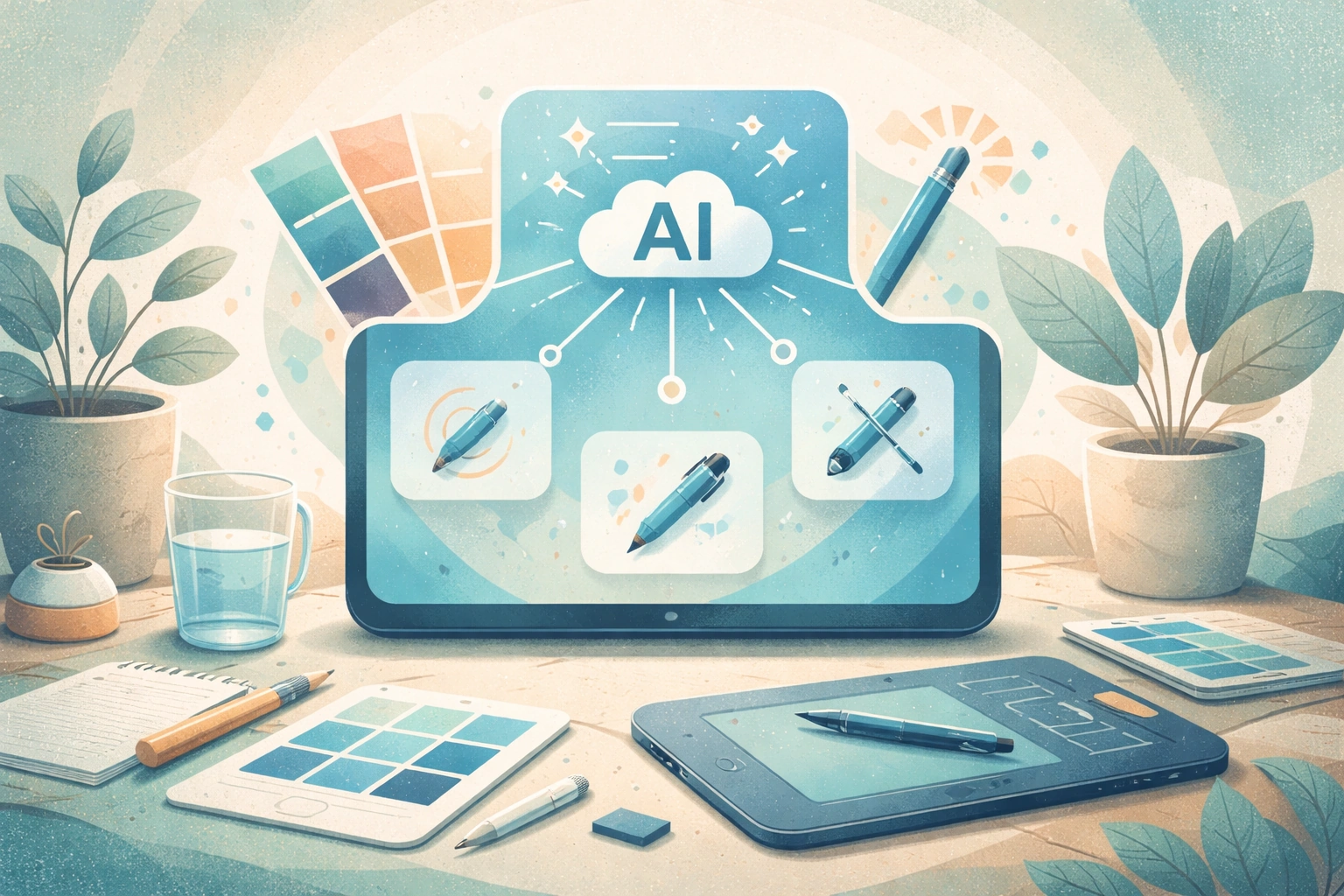
Recraft AI has emerged as a powerful tool for anyone who needs to create graphics, illustrations, and visual content without spending hours learning complex software. This platform uses artificial intelligence to help you generate professional-looking designs quickly and with minimal effort.
What Is Recraft AI?
Recraft AI is an online design platform that generates vector graphics, icons, illustrations, and other visual elements through artificial intelligence. You type what you want to see, and the system creates it for you. The platform focuses on producing clean, scalable vector images that work well for websites, presentations, marketing materials, and branding projects. Unlike bitmap editors, the output remains sharp at any size because vectors use mathematical formulas rather than pixels.
Key Features That Set It Apart
The platform offers several features that make it stand out in the crowded field of AI design tools:
- Vector generation - Creates scalable graphics that maintain quality at any resolution
- Style consistency - Maintains uniform visual language across multiple generated images
- Brand color control - Lets you define and lock specific color palettes for cohesive branding
The system also supports text-to-image generation, which means you describe what you need in plain language. If you want a minimalist coffee cup icon in blue and white, you simply tell the tool, and it produces options within seconds. Many designers also appreciate using a discord music bot during long creative sessions to maintain focus and energy.
Who Benefits From Using This Tool?
Small business owners who need logos, social media graphics, or website icons find this platform particularly useful. Marketing teams working on campaigns can generate multiple variations of an image to test different concepts without hiring a designer for every iteration. Startup founders often use it to create early branding materials before they have budget for professional design services. Content creators and bloggers also turn to these AI tools when they need custom graphics that match their unique style.
The learning curve is gentle. You don't need design training to produce usable results, though some familiarity with design principles helps you write better prompts and recognize quality output. Similar to how hotpot AI simplifies various creative tasks, this platform removes technical barriers that once kept non-designers from producing professional visuals.

How to Get Started
Creating your first design takes just a few steps. You sign up for an account, choose whether you want to generate icons, illustrations, or other graphics, and then write a description of what you need. The AI processes your request and presents several options. You can refine the results by adjusting your prompt, changing colors, or modifying style parameters.
Most users see good results after experimenting with a few prompts. Clear, specific descriptions work better than vague ones. Instead of "make a tree," try "a simple oak tree silhouette in dark green, flat design style." The more detail you provide, the closer the output matches your vision.
Tips for Better Results
Start with simple projects to understand how the system interprets your words. Review the generated options carefully before settling on one. Test your designs at different sizes to confirm they look good in various contexts. Keep your brand colors and style guidelines handy so you can maintain consistency across all assets. If you work with video content as well, tools like vidyo AI can complement your visual workflow by handling video editing tasks.
Pricing and Access
The platform offers both free and paid tiers. Free accounts let you generate a limited number of images per month, which works fine for occasional users or those testing the service. Paid plans remove generation limits and unlock advanced features like higher resolution exports, private projects, and priority processing. Pricing changes periodically, so check the official website for current rates.
Comparing Alternatives
Several other platforms offer similar AI-powered design capabilities. Krea AI provides another approach to AI-generated visuals with different strengths. Each tool has unique characteristics in how it interprets prompts, handles styles, and produces output. Trying multiple platforms helps you find which one aligns best with your workflow and aesthetic preferences.
Final Thoughts
Recraft AI represents a shift in how we approach graphic design work. It doesn't replace skilled designers for complex projects, but it does make basic visual creation accessible to everyone. The technology continues to improve, with each update bringing better quality and more control options.
If you also work with photos and need to improve their color and contrast quickly, download Better Colors - a free Windows app that enhances images with AI-powered algorithms in just seconds.