
Vidyo AI: Transform Long Videos into Short Clips Fast
Vidyo AI turns long videos into short, shareable clips automatically, saving you time and boosting reach. Want your clips to look even better? Get accurate colors on your Windows display so every frame pops with true-to-life quality.

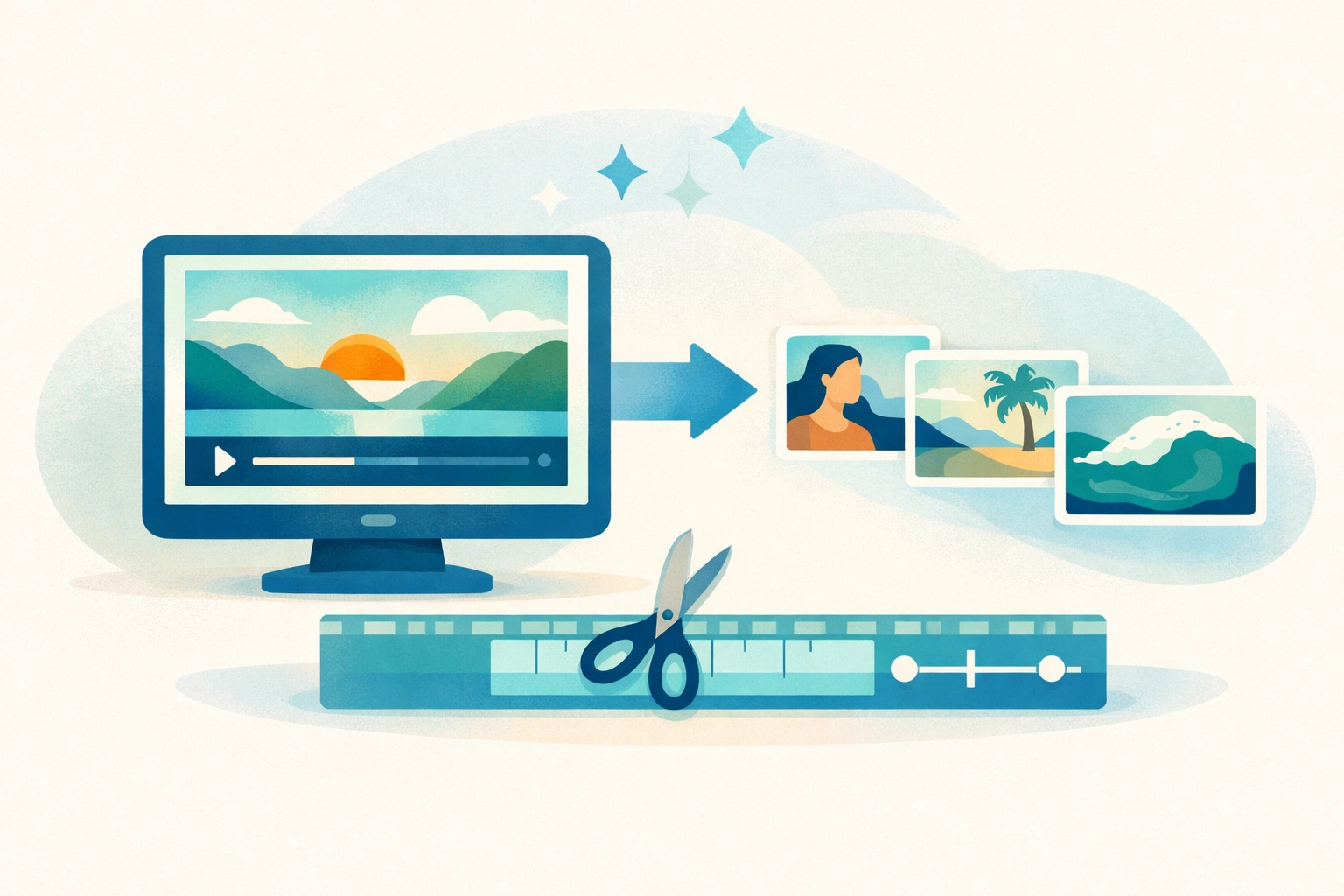
Vidyo AI is a video editing platform that helps content creators repurpose long videos into short clips. The tool uses artificial intelligence to identify the most interesting moments in your footage and converts them into social-ready content. If you create podcasts, webinars, or YouTube videos, this software can save you hours of manual editing work.
How Vidyo AI Works
The platform analyzes your video content and automatically detects key moments worth sharing. You upload a long video, and the system scans through it to find engaging segments. It then creates shorter clips optimized for platforms like TikTok, Instagram Reels, and YouTube Shorts.
The AI identifies when people speak, react, or discuss important topics. It adds captions automatically, which improves accessibility and keeps viewers watching even without sound. You can customize the output by adjusting clip length, aspect ratio, and branding elements. Many creators who also use pika ai for generating video effects find that combining tools speeds up their workflow even more.
Key Features That Save Time
Vidyo AI offers several features designed to reduce editing time:
- Automatic caption generation that syncs with speech patterns and highlights keywords
- Smart scene detection that identifies topic changes and natural break points
- Multi-platform formatting that adjusts dimensions for different social networks
The software handles technical details like cropping and resizing without requiring advanced editing skills. You can preview clips before exporting them, making it easy to select the best options. Creators who work with discord music bots for streaming often appreciate how quickly they can turn live sessions into promotional content.
Who Benefits Most from This Tool
Content creators who produce long-form videos gain the most value. Podcasters can turn hour-long episodes into dozens of shareable clips. Educators and course creators can highlight key teaching moments. Marketers can extract testimonials and product demonstrations from customer interviews.
The platform works well for anyone managing multiple social media accounts. Instead of creating unique content for each platform, you create once and let the AI adapt it. Professionals experimenting with aI remaker tools for other projects find this approach matches their need for efficiency.
Pricing and Accessibility
Vidyo AI operates on a subscription model with different tiers based on usage. The basic plan allows a limited number of video hours per month, while premium plans offer unlimited processing. Free trials let you test the service before committing to a paid plan.
The web-based interface means you don't need to install software or meet specific hardware requirements. You access everything through your browser, which makes it convenient for teams working remotely. Some users who also explore hotpot AI services appreciate the flexibility of cloud-based solutions.
Practical Tips for Better Results
Upload videos with clear audio for the best caption accuracy. Speak clearly and avoid overlapping conversations when possible. The AI performs better when it can distinguish individual voices.
Review and edit automatically generated clips before publishing. While the system identifies promising moments, you understand your audience better than any algorithm. Add your own titles and descriptions to match your brand voice.
Test different clip lengths to see what performs best on each platform. What works on TikTok might not suit LinkedIn, so create variations. Creators who work with vizard AI often compare results across similar platforms to find patterns.
Download Better Colors for Quick Photo Enhancement
After you've created your video clips, you might need to touch up thumbnails or promotional images. Better Colors offers AI-powered photo enhancement that works offline on your PC, processing images in just seconds without any sign-up required.