
2short AI Review: Turn Long Videos into Viral Shorts
Turn your YouTube videos into short clips with 2short AI and grow your audience. Want your content to look great? Better Colors for Windows helps you display perfect colors and makes your videos pop with accurate visuals that grab attention.

Content creators face a common challenge: repurposing long-form videos for social media platforms. YouTube Shorts, TikTok, and Instagram Reels demand quick, attention-grabbing content that most creators struggle to produce consistently. 2short AI solves this problem by automatically extracting the most compelling moments from your videos.
What 2short AI Does
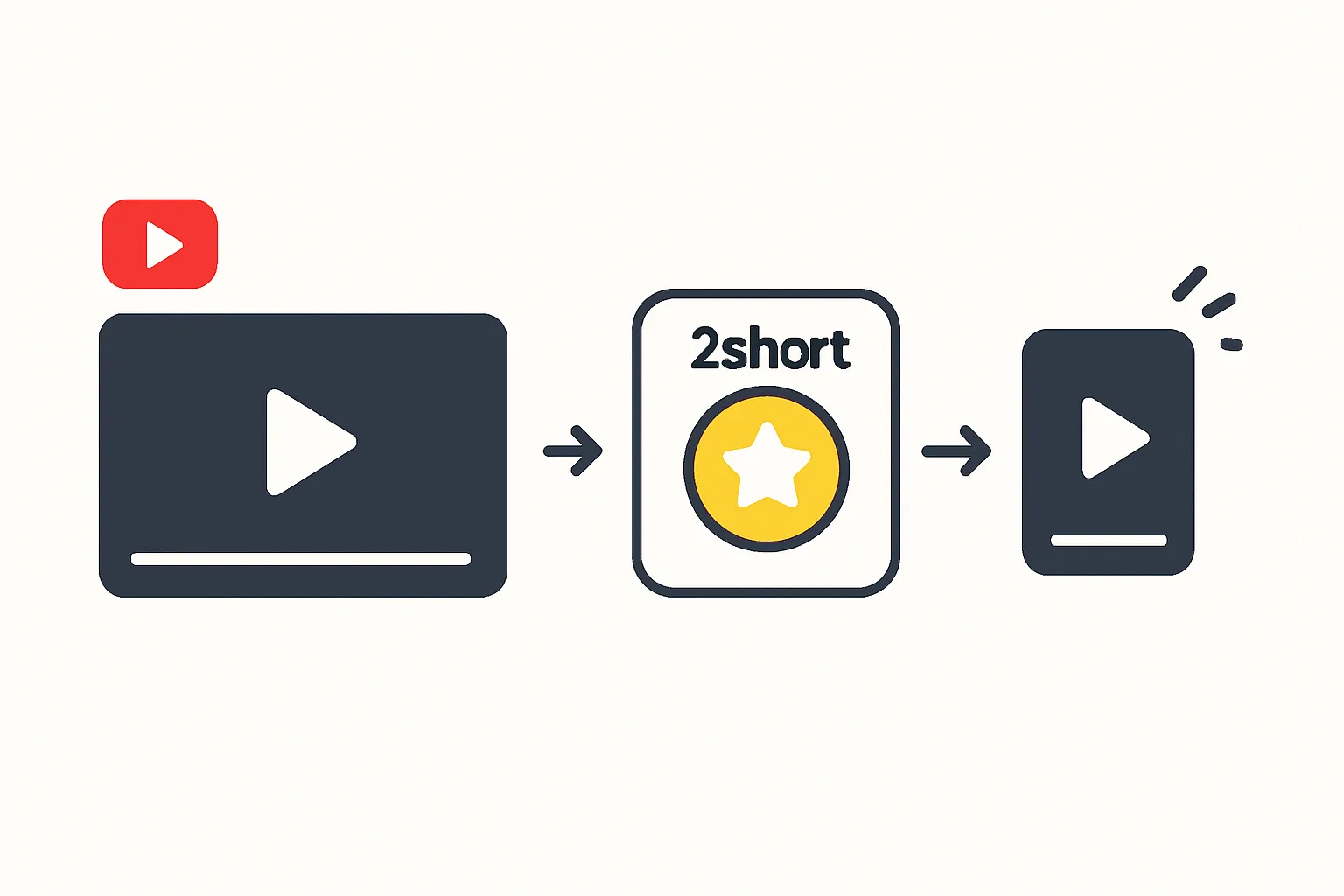
This tool uses artificial intelligence to analyze your YouTube videos and identify segments with high engagement potential. The software scans through your content, recognizes key moments, and generates multiple short clips ready for publication. Creators no longer need to spend hours manually reviewing footage or learning complex editing software.
The platform works directly with YouTube links. You paste a URL, and the system processes the video within minutes. The AI examines patterns like speech intensity, visual changes, and audience retention data to select the best segments. Similar tools like hedra AI have emerged in the video creation space, but this platform focuses specifically on repurposing existing content.
Key Features That Save Time
- Automatic subtitle generation with customizable styles and fonts
- Multiple aspect ratio options for different social platforms
- Brand preset templates to maintain consistent visual identity across clips
The subtitle feature deserves special attention. Captions appear accurately synced with speech, and you can adjust their appearance to match your brand colors and style. The system supports over 40 languages, making your content accessible to global audiences.
Brand presets let you save formatting choices once and apply them to all future clips. This consistency builds recognition among viewers who see your content across different platforms. Tools for anime content creators, such as platforms discussing jujutsu Kaisen characters, often lack this level of customization.
How to Get Started
The setup process takes less than five minutes. Create an account, connect your YouTube channel, and select a video to process. The AI generates several clip options, which you can preview before exporting. Each clip includes automatic framing to keep speakers centered, even when they move around in the original footage.
You can edit the AI's selections if needed. Trim start and end points, adjust subtitle timing, or change the aspect ratio. The interface displays a timeline view that makes these adjustments quick and intuitive. When you're satisfied, export the clips directly to your device or schedule them for publication.
Who Benefits Most
YouTube creators with educational content, podcasts, or interview-style videos see the biggest advantages. These formats typically run 20-60 minutes but contain many quotable moments perfect for short-form platforms. Gaming channels and product reviewers also benefit, though the tool works best with talking-head content rather than fast-paced action sequences.
Small business owners who produce tutorial videos can multiply their content output without hiring editors. A single webinar might yield 10-15 social media posts, each driving traffic back to the full video. This approach works better than discussions about upcoming tech like the iPhone 17 Air, which require constant updates.
Pricing and Plans
The service offers a free tier with limited monthly processing time. Paid plans start at reasonable monthly rates and include unlimited video processing, priority rendering, and advanced analytics. The analytics dashboard shows which clips perform best, helping you understand what resonates with your audience.
Higher-tier plans add features like team collaboration, API access, and removal of watermarks. Most solo creators find the mid-tier plan sufficient for their needs. Unlike character AI platforms such as sakura AI, this tool focuses purely on video editing rather than content generation.
Tips for Maximum Results
Review your source videos before processing. Content with clear speech, good lighting, and distinct topics works best. Videos where you jump between unrelated subjects may produce less coherent clips. The AI performs better when each segment has a complete thought or story.
Test different clip lengths on your target platforms. Instagram Reels favor 15-30 second clips, while YouTube Shorts can run up to 60 seconds. Watch your analytics to see which duration generates more views and engagement.
Add custom thumbnails to your exported clips. While the AI captures good moments, a compelling thumbnail increases click-through rates. Spend a few extra minutes designing eye-catching images that accurately represent each clip's content.
The platform continues adding new features based on user feedback. Recent updates include improved audio normalization and better handling of background music. These improvements make the output more professional without requiring manual adjustments. If you work with video enhancement tools like remaker AI, you'll appreciate how this platform handles the editing workflow efficiently.
After you've polished your video content, you might want to enhance any screenshots or thumbnails you create. Download Better Colors, a free one-click photo fixer that instantly enhances your images without any sign-up required.