
Hedra AI: Create Talking Avatars with AI Technology
Hedra AI turns static photos into realistic talking avatars using text and images. Want your animated videos to look their best? Make sure your display shows accurate, lifelike colors first.

Hedra AI is a platform that generates talking avatars from text prompts and images. You upload a photo, provide a script, and the system creates a video where your character speaks with lip-sync accuracy. The technology targets content creators, marketers, and educators who need quick video production without filming equipment or actors.
How Hedra AI Works
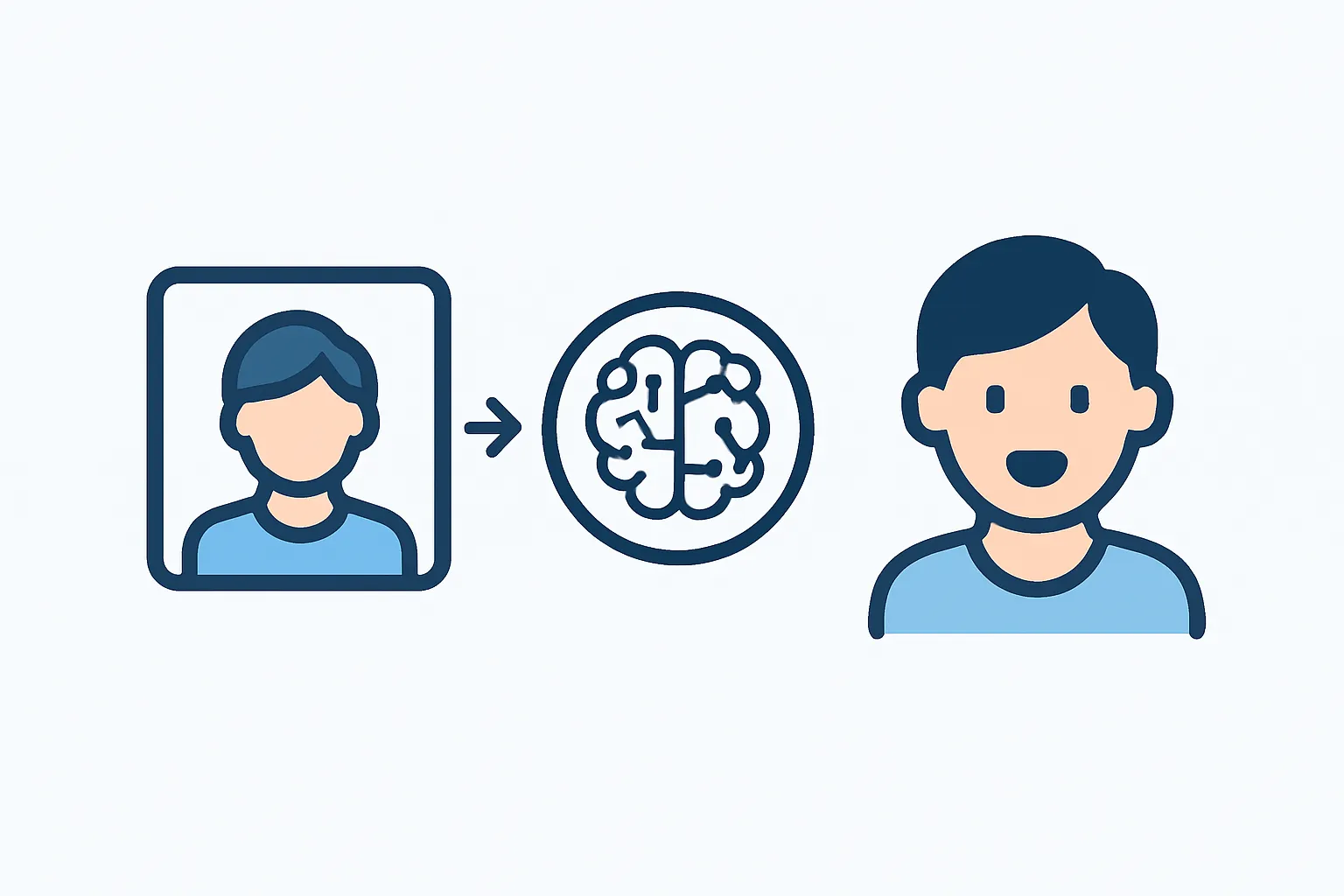
The platform combines text-to-speech synthesis with facial animation. You start by uploading a portrait image or selecting from pre-made avatars. Next, you enter the text you want your character to say. The AI analyzes facial features, matches mouth movements to speech patterns, and renders a video within minutes.
Key features include:
-
Voice customization with different accents and tones
-
Automatic lip-sync matching for natural-looking speech
-
Export options for social media and presentations
The system handles most of the technical work automatically. You don't need animation skills or video editing experience to produce results.
Common Use Cases
Marketing teams use Hedra AI to create spokesperson videos without hiring talent. A single product photo can become dozens of promotional clips with different messages. This saves time during campaign launches.
Teachers and trainers build educational content with historical figures or fictional characters. A static portrait of Albert Einstein can explain physics concepts in first person. Students often remember lessons better when information comes from a recognizable face.
Social media creators experiment with remaker AI and similar tools to produce content faster. Instead of recording yourself repeatedly, you generate variations from one image. This approach works well for testing different hooks or calls to action.
Technical Requirements and Limitations
Hedra AI runs through a web browser, so you need a stable internet connection. The platform processes videos on remote servers rather than your local machine. Rendering time depends on video length and server load, typically ranging from two to ten minutes.
The system performs best with clear, front-facing portraits. Side angles or group photos produce less accurate lip movements. Background noise in audio scripts can affect synchronization quality. The AI also struggles with extreme facial expressions or unusual lighting conditions.
Video resolution maxes out at 1080p for most subscription tiers. If you need 4K output, you'll want to check current plan limitations. Export formats include MP4 and MOV, which work with standard editing software.
Comparing AI Video Tools
Several platforms compete in the AI avatar space. Viggle AI focuses on character animation with motion tracking. Haiper AI specializes in text-to-video generation from scratch without requiring input images. Hypernatural AI offers broader video editing features beyond just talking heads.
Hedra AI distinguishes itself through simplicity. The interface presents fewer options than multi-purpose video suites, which speeds up the creation process. You trade flexibility for ease of use.
Privacy and Data Considerations
When you upload photos to Hedra AI, the company stores them on its servers. Review the privacy policy to understand data retention periods and usage rights. Some users prefer not to upload personal photos to cloud-based AI services.
The platform generates synthetic media that can mimic real people. This raises questions about consent and misuse. Many jurisdictions now require disclosure when videos use AI-generated likenesses. Always verify local regulations before publishing content featuring recognizable individuals.
Getting Started
Creating your first video takes about five minutes. Sign up for an account, upload a portrait photo, type a short script, and select a voice. Preview the result and adjust settings if needed. Most users iterate two or three times before achieving their desired output.
Free tiers usually limit video length and monthly generations. Paid plans remove watermarks and increase rendering priority. Compare pricing against how often you'll actually use the tool.
If you're working with photos that need quick enhancements before uploading, download Better Colors - it uses AI-powered enhancement to automatically boost contrast and color vibrancy in just seconds.