
Sakura AI: Your Guide to AI Character Chat
Ready to explore Sakura AI's chat features? A clear, well-tuned display makes reading conversations easier and more comfortable. Better Colors adjusts your Windows screen for sharper text and better color accuracy - perfect for long AI chat sessions.
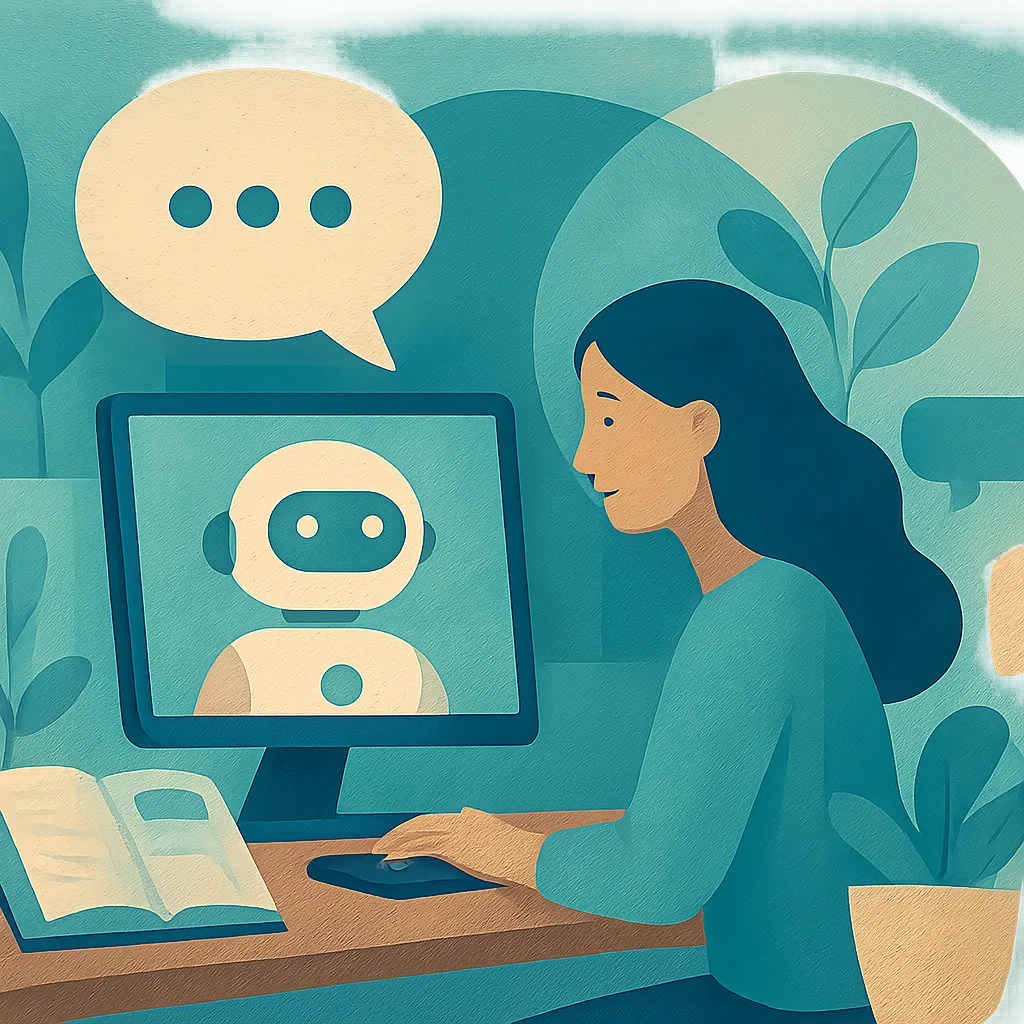
Sakura AI has become a popular destination for people who want to chat with AI-powered characters. This platform lets users create conversations with virtual personalities that respond in real time. You can talk about almost anything, from casual topics to deep discussions. The technology behind these interactions makes each conversation feel natural and personalized.
What Is Sakura AI?
This platform uses artificial intelligence to power conversations with digital characters. Users can choose from pre-made personalities or create their own custom characters. The system learns from your inputs and adjusts responses to match your conversation style. Many people use it for entertainment, creative writing practice, or simply to pass time. The interface is clean and easy to navigate, even for first-time users.
The technology analyzes your messages and generates appropriate replies within seconds. Each character has its own personality traits, speaking style, and knowledge base. Similar tools like remaker AI have also gained attention, but this platform focuses specifically on character-based dialogue.
Key Features You Should Know
The platform offers several features that set it apart from basic chatbots:
- Character customization: You can adjust personality traits, background stories, and speaking patterns
- Memory function: Characters remember previous conversations and reference past topics
- Multiple conversation modes: Choose between casual chat, roleplay scenarios, or creative writing assistance
These features work together to create more believable interactions. The memory function is particularly useful because it makes long-term conversations feel continuous rather than starting fresh each time. Users report that this makes the experience more satisfying than platforms where characters forget everything after each session.
How to Get Started
Setting up your account takes just a few minutes. You provide a username and password, then browse the available characters or create your own. The character creation tool walks you through selecting appearance, personality type, and conversation preferences. Once you finish setup, you can start chatting immediately.
New users often experiment with different character types before settling on favorites. Some prefer characters with specific knowledge areas, while others like personalities that match their interests. The platform supports both text-based chat and, in some cases, voice interactions. Tools like viggle AI offer different creative capabilities, but this platform specializes in conversational depth.

Tips for Better Conversations
Getting good results depends partly on how you phrase your messages. Clear questions tend to produce more focused answers. If you want the character to adopt a specific tone, mention it directly in your message. The AI responds well to context clues and adjusts its style accordingly.
Don't hesitate to guide the conversation in new directions. The system handles topic changes smoothly and can shift between serious and lighthearted discussions. If a response doesn't match what you expected, try rephrasing your question or providing more details. Many users find that longer, more descriptive prompts lead to richer responses.
Platforms like haiper AI focus on video generation, while applications such as hedra AI specialize in different media types. This chat platform remains focused on text-based interaction quality.
Privacy and Usage Considerations
Before diving deep into conversations, review the platform's data policies. Most AI chat services store conversation logs to improve their systems. Check what information gets saved and how long the platform retains it. Some users create separate accounts for different types of conversations to manage their digital footprint.
The service works best with a stable internet connection since processing happens on remote servers. Response times may vary during peak usage hours. Keep in mind that AI characters, no matter how convincing, are not human and should not replace real social connections or professional advice.
Enhancing Your Visual Content
While conversing with AI characters, you might take screenshots to share interesting exchanges. If those images need color correction or quality improvement, download Better Colors - a free PC app that uses AI-powered enhancement to boost contrast and color vibrancy in seconds.