
Vizard AI: Transform Long Videos Into Short Clips
Vizard AI turns long videos into short, shareable clips for social media. Repurposing content works better when your display shows accurate, true-to-life colors. Better Colors for Windows calibrates your screen so you can edit and share videos that look great everywhere.

Vizard AI offers video creators a way to turn long recordings into shorter, shareable clips. The tool uses artificial intelligence to identify the most interesting moments in your videos and package them for social media platforms. This approach saves hours of manual editing work while helping content reach wider audiences.
What Vizard AI Does
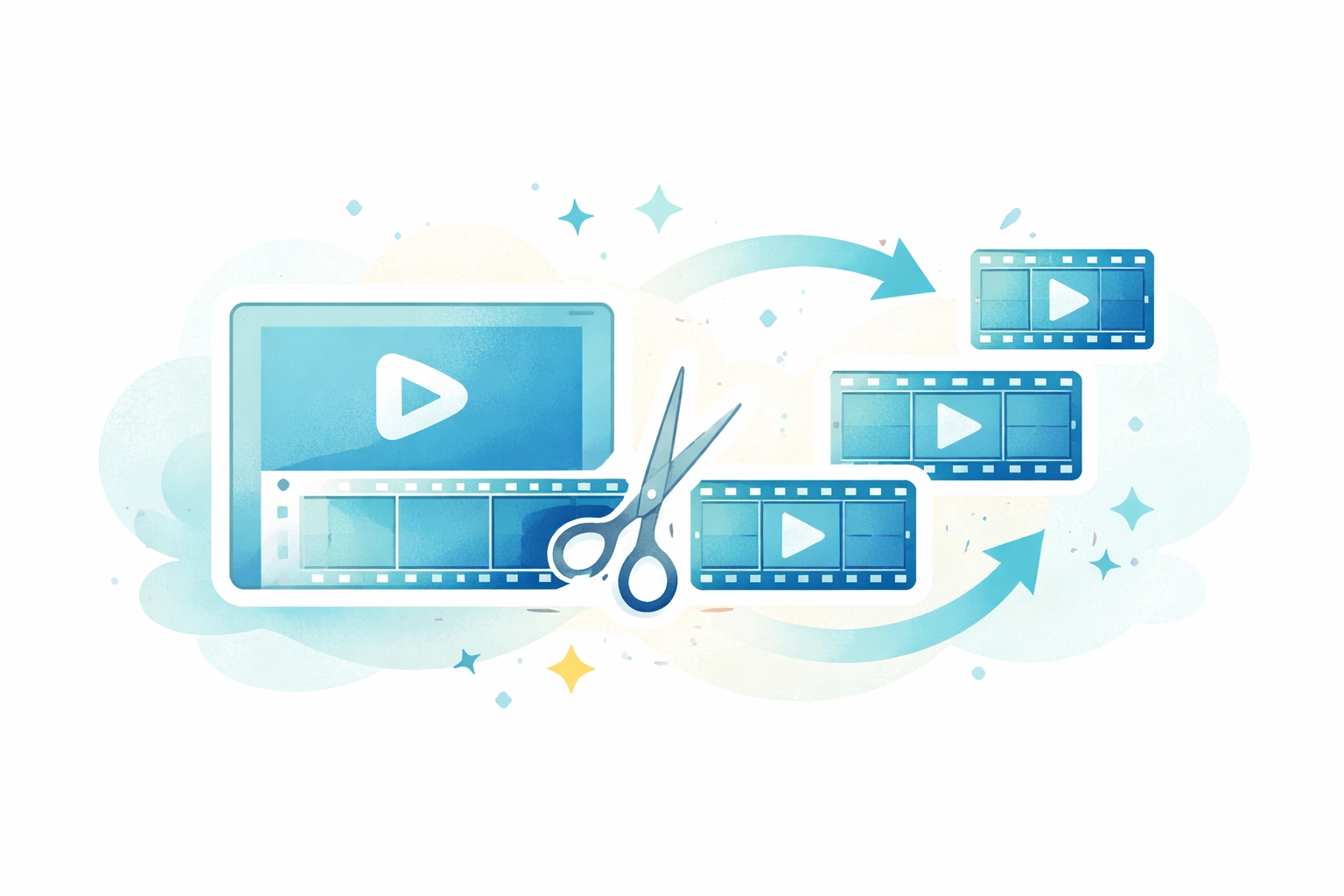
The platform analyzes your video content and automatically selects segments that work well as standalone clips. You upload a long-form video - such as a podcast, webinar, or interview - and the system identifies key moments based on conversation flow and audience engagement patterns. The result is a collection of shorter videos optimized for platforms like TikTok, Instagram Reels, and YouTube Shorts.
Key features include:
- Automatic subtitle generation in multiple languages
- Social media formatting for different aspect ratios
- AI-driven scene selection based on content analysis
How Video Repurposing Works
Instead of watching hours of footage to find the best clips, creators can rely on the platform's detection algorithms. The software scans for moments where speakers make important points, ask questions, or share memorable quotes. It then cuts these segments into individual clips while maintaining context. Much like pika ai, this tool helps creators produce more content in less time.
Benefits for Content Creators
Time savings represent the primary advantage. A single hour-long video can generate 10 or more short clips without manual editing. Each clip receives automatic captions, which improve accessibility and viewer retention. The platform also adjusts video dimensions to match platform requirements, eliminating the need to crop or resize manually. Creators who work with discord music bots for streaming often appreciate similar automation in their workflow.
Practical Applications
Podcasters use the tool to create promotional clips from full episodes. Educators extract key teaching moments from lectures. Business professionals turn webinar recordings into marketing content. The software works with various video types, though it performs best with talking-head content and interviews. For those who also work with aI voice changers, combining both tools can create unique content variations.
Getting Started
The setup process requires you to create an account and upload your first video. The system processes the file and presents a selection of suggested clips. You can accept these suggestions or adjust timing and selection as needed. Most videos process within minutes, depending on length and resolution. Some creators also explore tools like recraft ai for complementary design work.
Limitations to Consider
While the AI performs well with clear speech and structured content, it may struggle with videos that lack distinct speaking patterns. Background noise or multiple simultaneous speakers can reduce accuracy. The platform works best when videos have clear audio and identifiable speakers. Creators interested in different types of transformation might also explore hotpot ai for image-related tasks.
Making Your Content Shine
After creating video clips with Vizard AI, you might want to improve thumbnail images or promotional graphics. Download Better Colors, a free tool that uses AI-powered enhancement to automatically boost contrast and color vibrancy in your images with a single click.